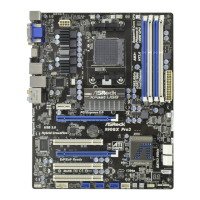
970M Pro3
51
English
4.4.3 South Bridge Conguration
Onboard HD Audio
Enable/disable onboard HD audio. Set to Auto to enable onboard HD audio and
automatically disable it when a sound card is installed.
Front Panel
Enable/disable front panel HD audio.
On/O Play
With ASRock On/O Play users can connect their portable audio devices, such
as an MP3 player or a mobile phone to the PC and listen to music through the
computer's speakers even when the computer is turned o.
Onboard LAN
Enable or disable the onboard network interface controller.
Good Night LED
By enabling Good Night LED, the Power/HDD LEDs will be switched o when the
system is on. It will also automatically switch o the Power and Keyboard LEDs
when the system enters into Standby/Hibernation mode.



 To Next Page