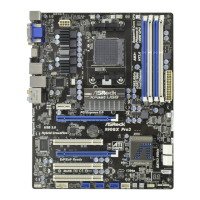
970M Pro3
43
English
4.3 OC Tweaker Screen
In the OC Tweaker screen, you can set up overclocking features.
OC Mode
Use this to select Overclock Mode. Please note that overclocing may cause damage
to your components and motherboard. It should be done at your own risk and
expense.
Load Optimized CPU OC Setting
Please note that overclocking may cause damage to your CPU and motherboard. It
should be done at your own risk and expense.
CPU Conguration
Overclock Mode
Use this to select Overclock Mode. Conguration options: [Auto] and [Manual]. e
default value is [Auto].
Because the UEFI soware is constantly being updated, the following UEFI setup
screens and descriptions are for reference purpose only, and they may not exactly
match what you see on your screen.



 To Next Page