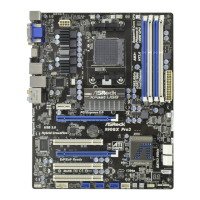
970M Pro3
27
English
Hardware Monitor
In the Hardware Monitor section, it shows the major readings of your system. e
main readings include Clock, Fan & Temperature, and Voltage. In Clock, there are
CPU speed and CPU ratio. In Fan & Temperature, there are CPU temperature and
CPU fan speed. You may nd out if there’s any abnormal situation occurs to your
system’s temperature. In Voltage, there are many respective voltages.
Fan Control
In the Fan Control section, there are two major chapters: Temperature and CPU/
Chassis/Power Fan. In Temperature, it shows the major readings of CPU and
motherboard temperature. In CPU/Chassis/Power Fan, it shows the fan target speed
and temperature, and you are able to adjust the setting by clicking the “+/-” and
conrm by “APPLY” aerward.



 To Next Page