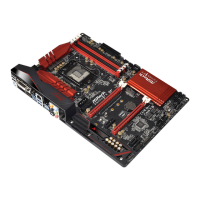
Fatal1ty H87 Performance Series
49
English
3.5 Intel® Remote Wake Technology
Intel® Remote Wake Technology allows you to use programs or services over the
Internet to wake up your home computer from energy ecient sleep mode.
Before conguring this feature, verify the following.
• Remote Wake has been enabled in "Intel® Smart Connect Technology
Manager".
• Make sure that the "PCI Device Power On" is enabled in UEFI SETUP
UTILITY > Advanced > ACPI Conguration.
3.5.1 Conguring and Using MeshCentral
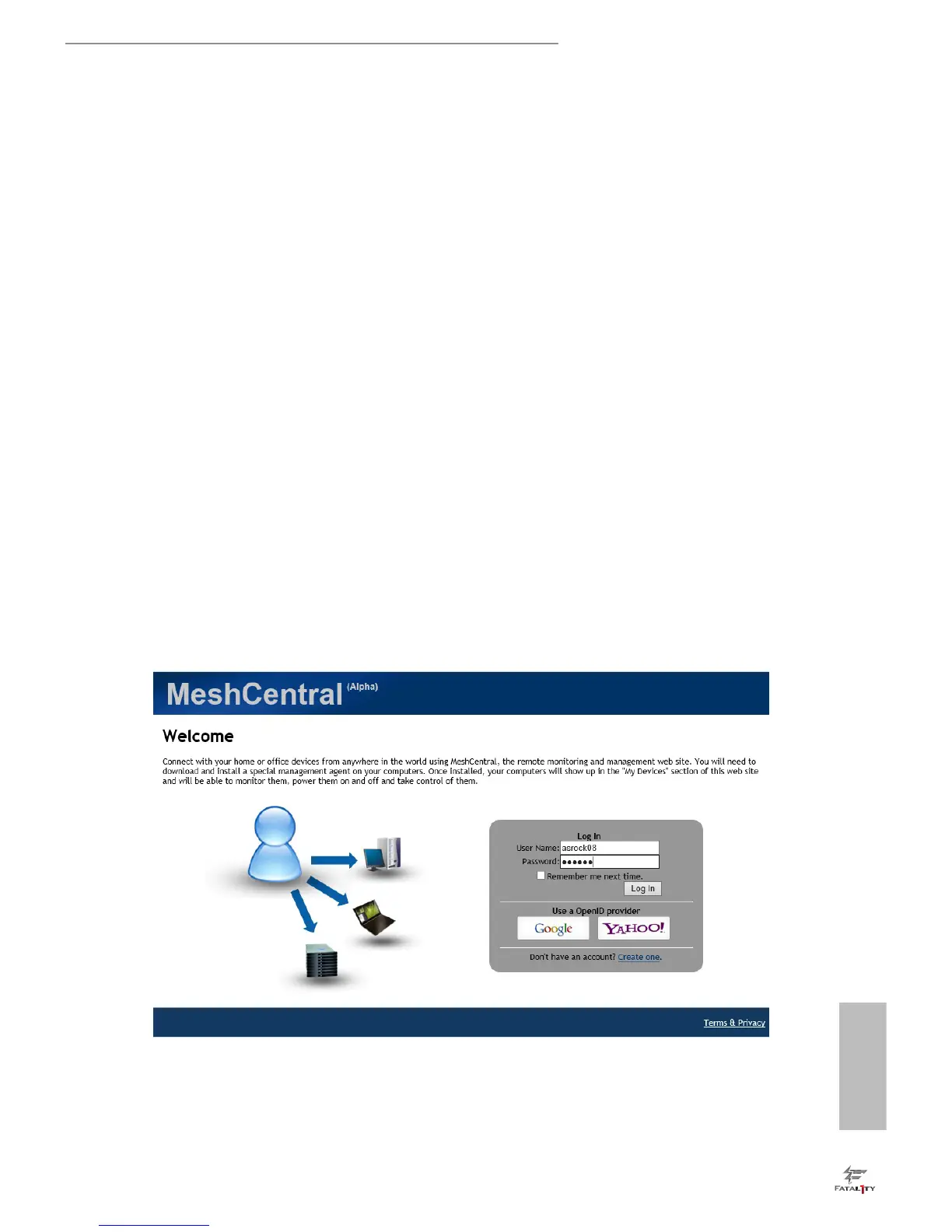
MeshCentral allows you to remotely wake up a PC from any network using a single
web site. Just download and install the mesh agent on your computers and your
computers will show up in the "My Devices" section of MeshCentral.com.
Creating a Mesh
Step 1
Login to Meshcentral.com.
If you have not created a MeshCentral acount, go to MeshCentral.com and create a
new account.
Step 2
Click the "My Account" tab. en click on "New" to create a new mesh.


 To Next Page
 Loading...