Using Xplorer
Xplorer allows you to remotely access documents on your host computer from a client
device.
For Windows PC users:
Step 1
Go to Orbweb.ME portal login page
:
http://orbweb.me
Step 2
Log in with your Orbweb.ME account and password.
Step 3
Click the Connect icon
.
Step 4
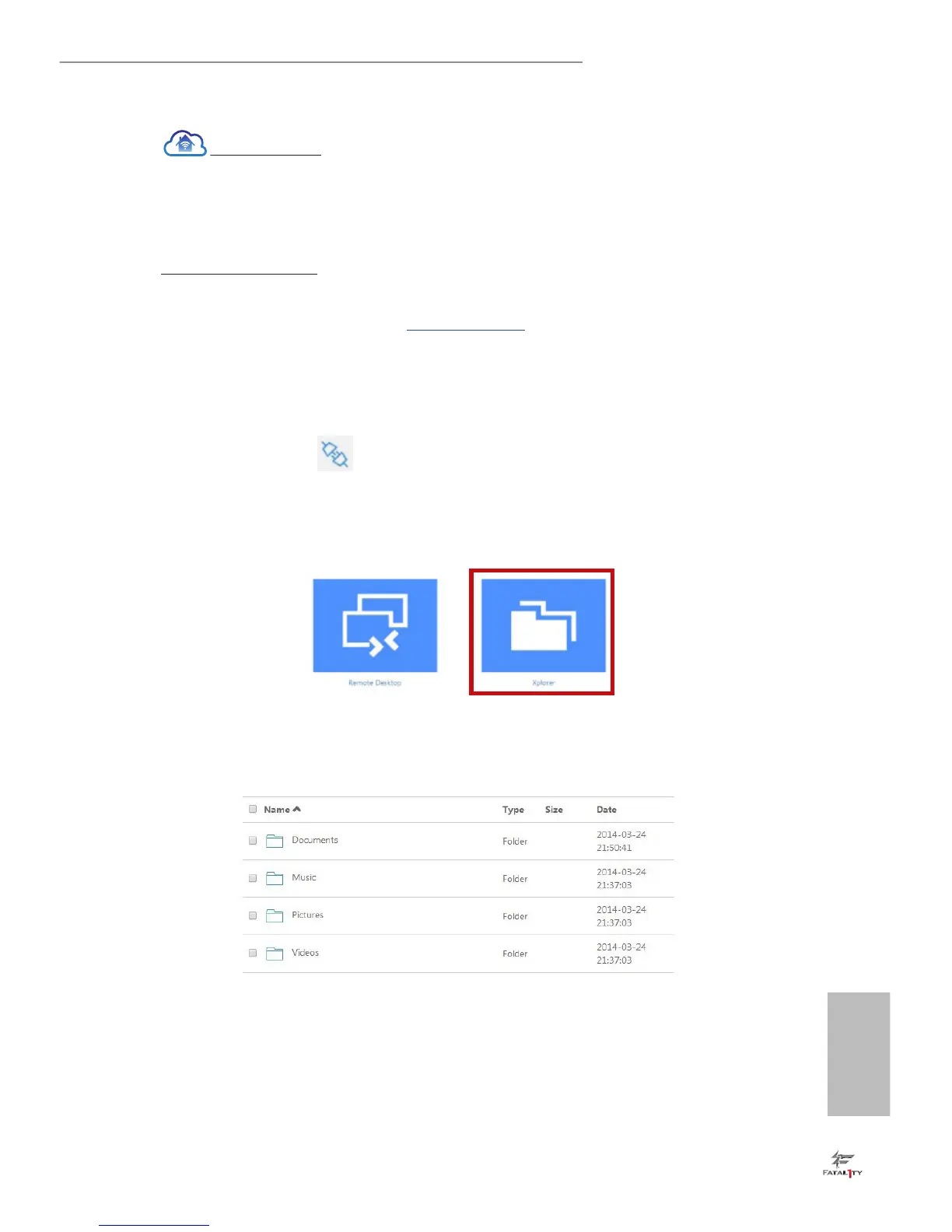
Click on Xplorer.
Step 5
Root directory displays. Click on a folder name to open the folder.
Step 6
Click on a le name to preivew the le.
You can also delete, rename, move, and copy a selected le. For more instructions on how
to use Xplorer, refer to the user manual of the Orbweb.ME Professional.



 To Next Page
 Loading...