•
Minus(-): Decrease the value of the selected item
•
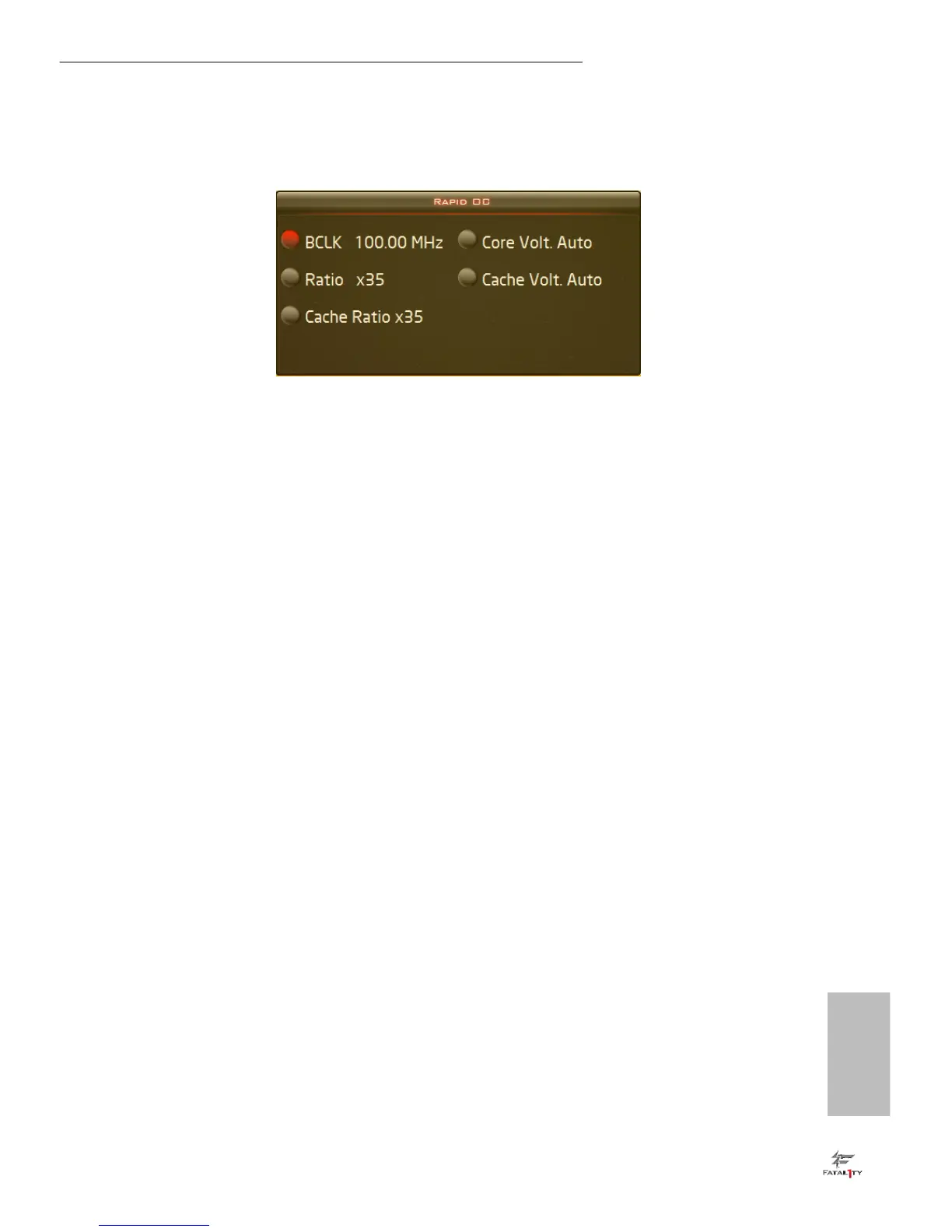
Menu: Press the hotkey to select among conguration options (OC mode).
On the screen, you can also adjust the hotkeys for each of the functions and how
much each press adjusts the CPU ratio, BCLK frequency and CPU VCore voltage.
Step 3
Click Apply to save the settings.



 To Next Page
 Loading...