3030
3030
30
BIOS SETUP UTILITY
Main
Advanced H/W Monitor Boot Security Exit
Select Screen
Select Item
Enter Go to Sub Screen
F1 General Help
F9 Load Defaults
F10 Save and Exit
ESC Exit
v02.54 (C) Copyright 1985-2005, American Megatrends, Inc.
OC Tweaker
OC Tweaker Settings
DRAM Timing Configuration
DRAM Voltage
NB Voltage
VTT Voltage
GTLRef Voltage
[Auto]
[Auto]
[Auto]
[Auto]
If you adopt DDR3 1333
pls. adjust jumper set
MB before apply it.
For FSB1333 CPU:
FSB1=2-3
DRAM Frequency
Ratio CMOS Setting
Intel (R) SpeedStep (tm) tech.
Overclock Mode
[8]
[Auto]
[Auto]
8
CPU Frequency (MHz)
PCIE Frequency (MHz)
[333]
[100]
1.96V
1.23V
1.20V
0.63Vtt
[Auto]
Would you like to save current setting as
user defaults ?
DRAM Frequency
If [Auto] is selected, the motherboard will detect the memory module(s)
inserted and assigns appropriate frequency automatically. You may select
[400MHz DDR3_800], [533MHz DDR3_1066] or [667MHz DDR3_1333] for
DDR3 or [266MHz DDR2_533], [333MHz DDR2_667] or [400MHz DDR2_800]
for DDR2. The configuration options depend on the CPU and memory mod-
ule you adopt on this motherboard. Please refer to page 8 for the CPU FSB
frequency and its corresponding memory support frequency.
3.33.3
3.33.3
3.3
OC TOC T
OC TOC T
OC T
weakweak
weakweak
weak
er Screener Screen
er Screener Screen
er Screen
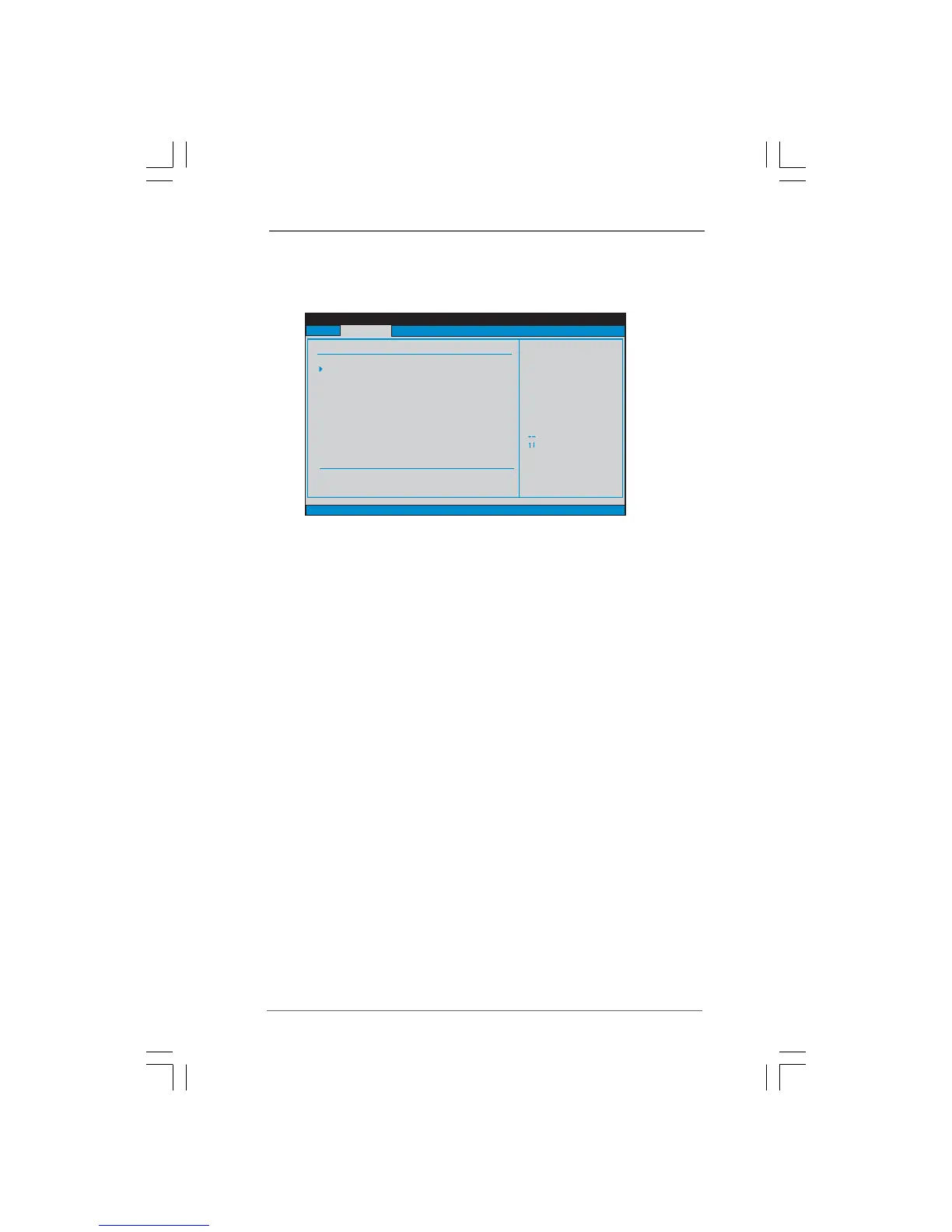
In the OC Tweaker screen, you can set up overclocking features.



 To Next Page
 Loading...