16
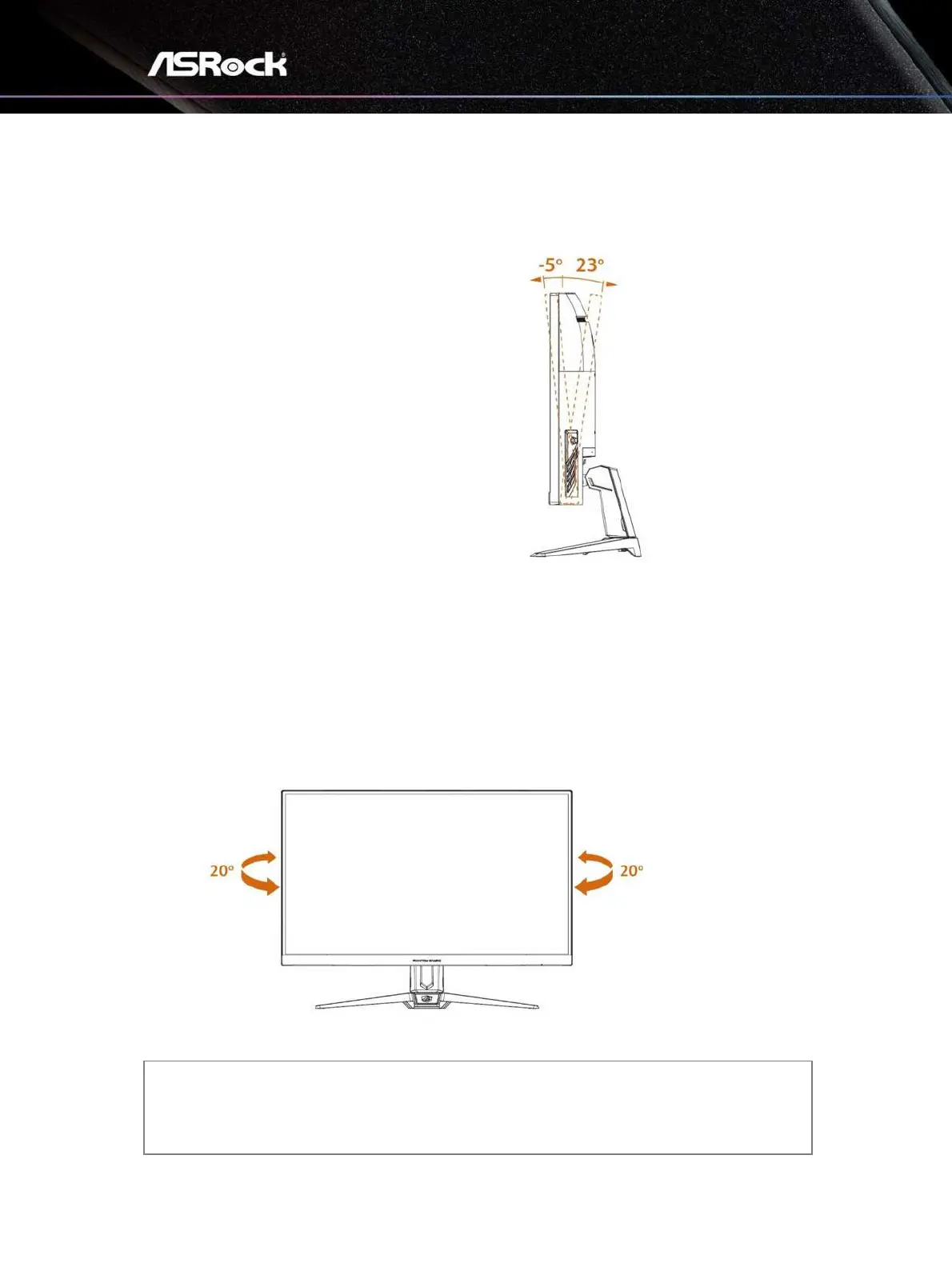
Chapter 4 Adjusting the Viewing Angle
For optimal viewing, it is recommended to
look at the full face of the monitor, and
then adjust the monitor’s angle to your
own preference.
Hold the stand so you do not topple the
monitor when you adjust the monitor’s
angle.
You are able to adjust the tilted angle from
-5° to 23°.
⚠
Important
Avoid touching the display panel when adjusting the monitor.
You are able to swivel the monitor for the angle.
NOTE:
Do not touch the LCD screen when you adjust the angle. It may cause damage or break
the LCD screen.
Careful attention is required not to catch your fingers or hands when you adjust the angle.


 To Next Page
 Loading...




