1 A0
Controls use of Red LED signal for access decision.
ON => Red LED is used.
OFF => Red LED is ignored.
2 A1 Set to OFF by default. Reserved for future use.
3 A2
Controls addition of parity bits if required.
ON => Addition of parity bits is enabled.
OFF => Addition of parity bits is disabled.
Credentials are transmitted as received.
4 A3
Controls byte order of transmitted credentials.
ON => The byte order is reversed on the Wiegand
interface compared to what is received from the
Aperio
®
lock.
OFF => The byte order is left as is.
5 A4
Used in “Pairing Mode”.
ON => Starts in pairing mode.
OFF => Normal use.
6-8 Not applicable (only used for AH30).
9 Not used.
10
INT/
EXT
Internal/External Antenna Use, ON = Internal
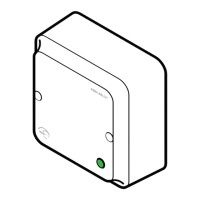
AH20 - DIP Switch Configuration Table (S101)


 To Next Page
 Loading...