EasyManua.ls Logo

Assa Abloy Corbin Russwin ED4000 Series - User Manual

Assa Abloy Corbin Russwin ED4000 Series
28 pages
Print Icon
To Next Page IconTo Next Page
Loading...
FM209 10/20
Installation Instructions
Copyright © 2006, 2010, 2018, 2020 ASSA ABLOY Access and Egress Hardware Group, Inc. All rights reserved. Reproduction in whole or
in part without the express written permission of ASSA ABLOY Access and Egress Hardware Group, Inc. is prohibited.
For installation assistance contact Corbin Russwin
1-800-543-3658 • techsupport.corbinrusswin@assaabloy.com
Available on the following devices:
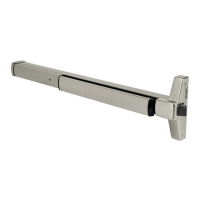
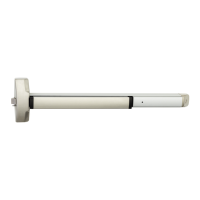
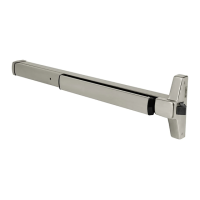
Rim
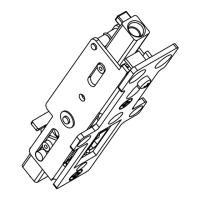
Mortise
SecureBolt
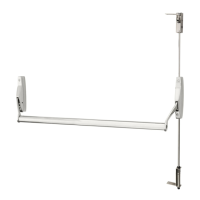
Concealed Vertical Rod
*Surface Vertical Rod
*Rod Guards Required (made by other manufacturers)
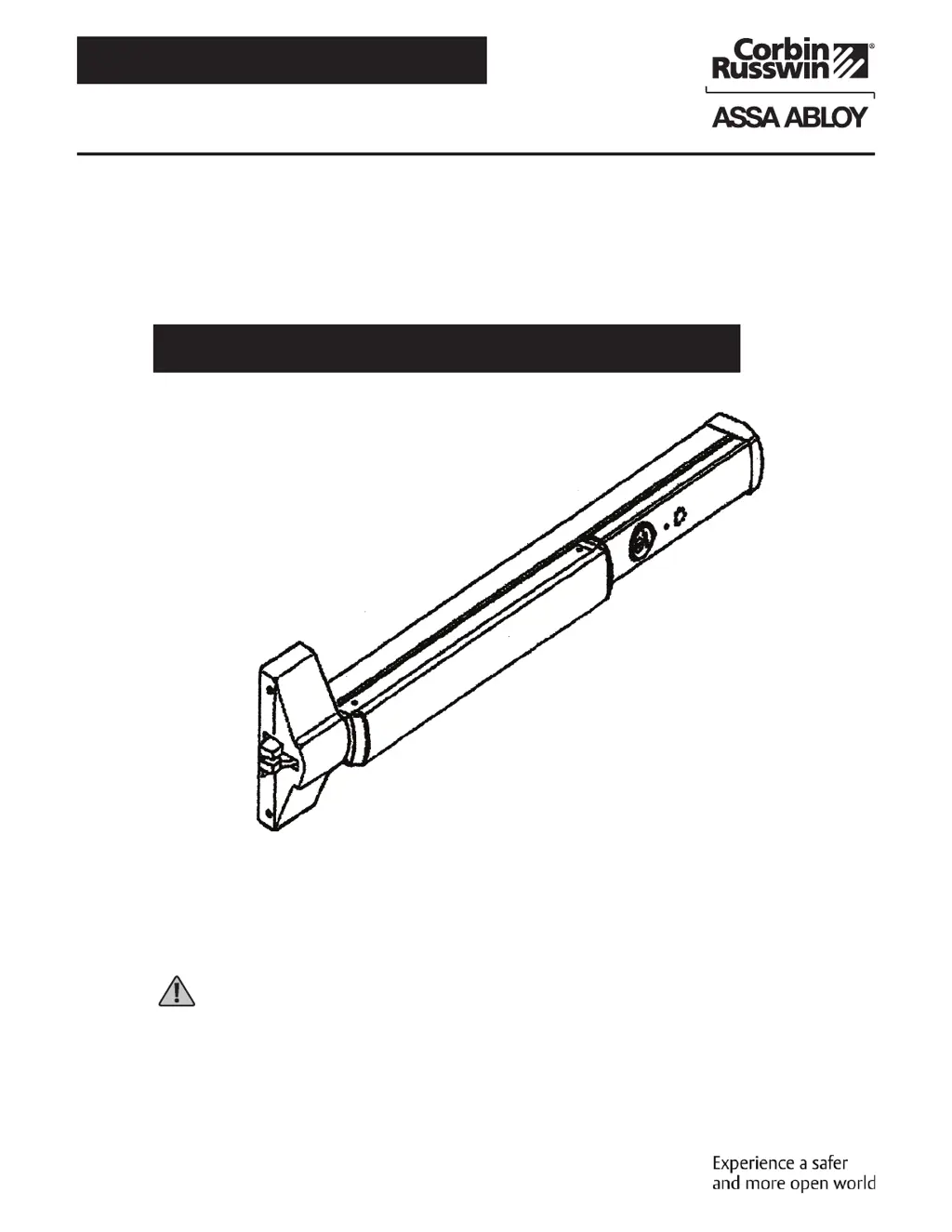
ED4000, ED5000 Series Exit Device
Delayed Egress
WARNING
This product can expose you to lead
which is known to the state of California
to cause cancer and birth defects or other
reproductive harm. For more information
go to www.P65warnings.ca.gov.

Questions and Answers

  • T
    Troy ShafferAug 5, 2025
    How to troubleshoot Assa Abloy Corbin Russwin ED4000 Door Opening System units with Door Position Switch made by other manufacturers?
    • K
      Kevin OconnellAug 5, 2025
      To troubleshoot Assa Abloy Door Opening System units that incorporate a Door Position Switch (DPS) from other manufacturers: * Ensure the DPS is wired correctly (electrically closed when the door is closed) into the wire harness. * Verify the DPS is functioning properly by using a meter to check continuity when the door is opened and closed.
  • K
    Katherine BooneAug 12, 2025
    What to do if Assa Abloy Corbin Russwin ED4000 Door Opening System alarms continuously when power is applied?
    • B
      benitezmatthewAug 12, 2025
      If your Assa Abloy Door Opening System alarms continuously when power is applied, check the trigger mechanism wire harness on the circuit board and all other connections. Also, check the pushpad activating switch in the device.
  • N
    Nancy ObrienAug 27, 2025
    What to do if Assa Abloy Corbin Russwin ED4000 will not arm (no red LED)?
    • M
      mariaedwardsAug 27, 2025
      If your Assa Abloy Door Opening System doesn't arm (no red LED), you can try the following: * Check all connections on the circuit board and wire harness. * Confirm that there is 24VDC power at the power inputs (-black) and (+red), and verify the polarity. * Inspect the wire transfer for any bad connections or broken wires. * Check the power output at the power supply to ensure it is a regulated 24VDC.
  • P
    Phillip CollierSep 10, 2025
    What to do if Assa Abloy Door Opening System allows mechanical latchbolt retraction with power applied and LED shows armed?
    • C
      Cheryl GordonSep 12, 2025
      If the Assa Abloy Door Opening System allows mechanical latchbolt retraction even when power is applied and the LED indicates it's armed, verify that the power supply provides the correct regulated 24VDC. Also, ensure the power supply has the correct amperage, rated equal to or greater than the device's requirement, with a minimum of 500mA.

Summary

Panic and Fire Rated Devices

Required Components

List of essential components required for the delayed egress system installation.

DIP Switch Settings

Device Mounting

Wiring Layout: Input;Output Wiring Descriptions

ElectroLynx Connector System for All Electrical Installation

ElectroLynx Wiring Options Overview with QC8 Hinge

ElectroLynx Wiring Options Overview with QC12 Hinge

ElectroLynx Wiring Deed with M93 Trim Monitor Option and QC12 Hinge

ElectroLynx Wiring Deed with Electrified Trim (ET) Option and QC12 Hinge

ElectroLynx Wiring Deed with M91 Latchbolt Monitor Option and QC12 Hinge

Wiring Diagram - M93 Trim Monitor Entry with External Door Position Switch

Wiring Diagram - 9903 Electric Trim Control

Wiring Diagram - 9905 Electric Trim Control

Operating Instructions

Troubleshooting

Assa Abloy Corbin Russwin ED4000 Series Specifications

General IconGeneral
BrandAssa Abloy
ModelCorbin Russwin ED4000 Series
CategoryDoor Opening System
LanguageEnglish

Related product manuals