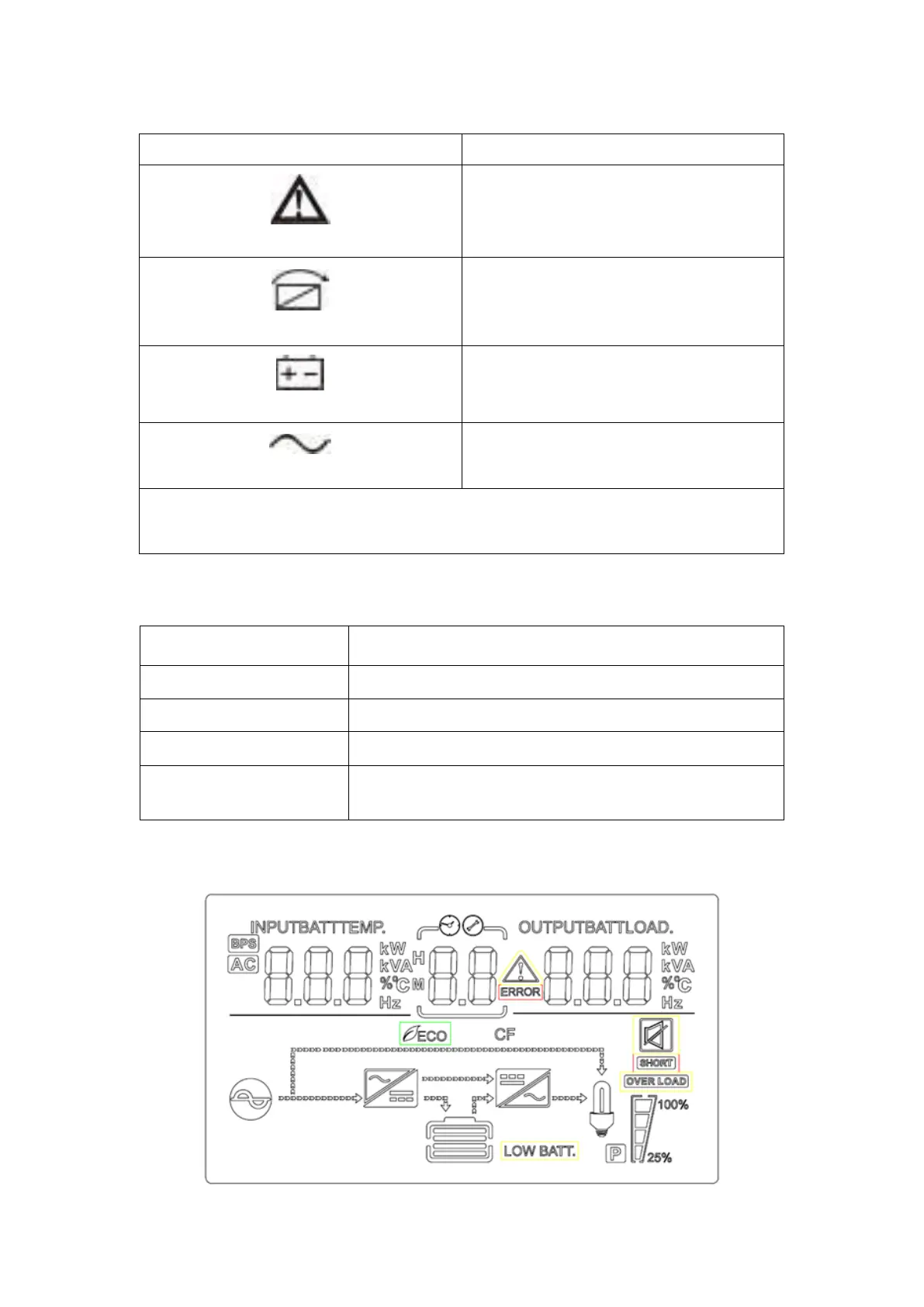
ON: The UPS has an active alarm or
fault
The UPS is in Bypass mode.
ON: The UPS is operating normally on
bypass during High Efficiency operation.
ON: The UPS is in Battery mode.
ON: The UPS is operating normally.
Note: When power on or startup, these indicators will turn on and off sequentially.
Note: On different operation modes, these indicators will indicate differently.
To exit setting mode or turn off the UPS
To go to previous selection or turn on the UPS
To confirm the selection in setting mode or enter
setting mode



 To Next Page