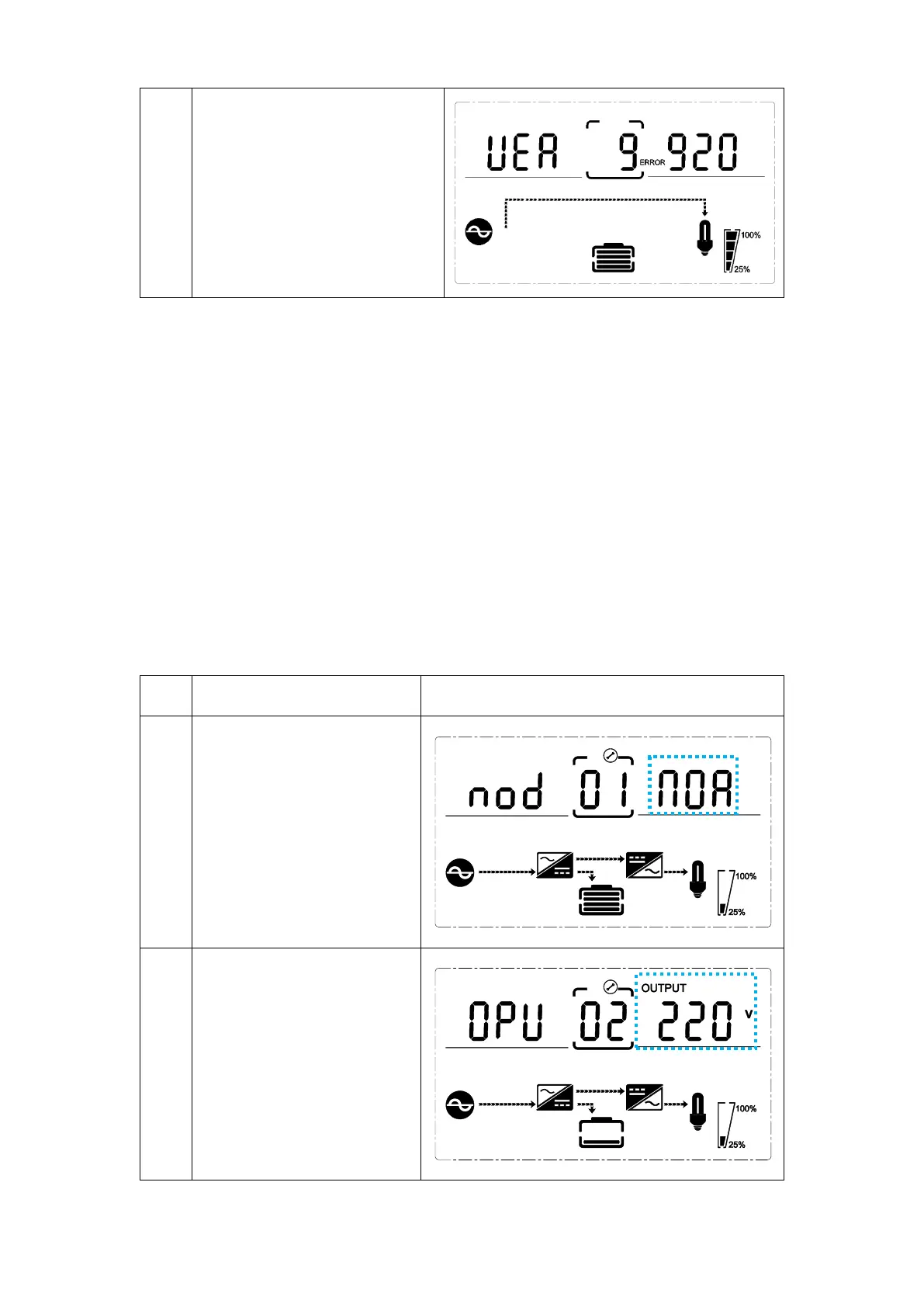
Alarm code (warning message)
All alarm codes are present
when abnormal behavior(s)
occur(s)
3.4 UPS setting
The UPS has setting functions. This user settings can be done under any kind of UPS
working mode. The setting will take effect under certain condition. Below table
describes how to set the UPS.
The setting function is controlled by 4 buttons (Up, Down, ON/Enter, OFF/ESC):
• Up ▲ + Down▼--- goes into the setting page;
• ON/Enter --- confirm the settings option;
• Up ▲ + Down ▼--- value adjustment for choosing different pages;
• OFF/ESC --- Exit setting mode;
After the UPS turn ON, press buttons “UP+Down” for 5 seconds and then goes into
the setting interface page.
Note: Press “Down” button to confirm selection and exit setting mode when LCD
display the last selection in UPS setting mode.



 To Next Page