42
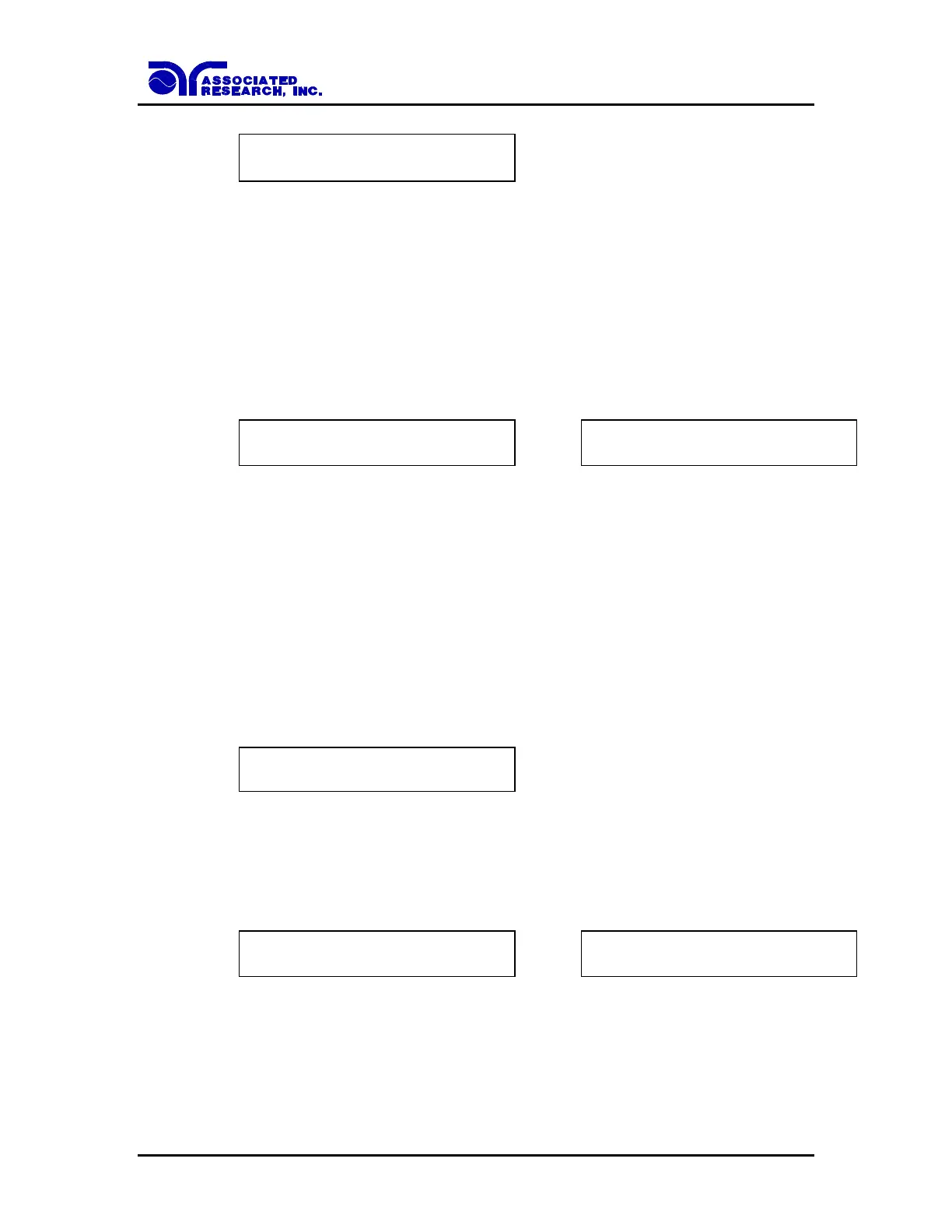
Charge-LO = XXX.X A
TEST to Auto Set
The value showing on the display is the Charge-LO setting and is not the reading of the
charging current of the DUT.
Then press the or key to advance the program to another test parameter or press the
EXIT key to exit from the setting mode to the operation mode.
Ramp-HI
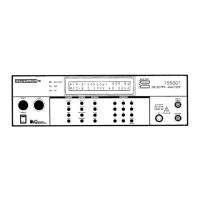
Advance the menu to the Ramp-High parameter. The display will show:
Ramp-HI = ON
ENTER to Select
Ramp-HI = OFF
ENTER to Select
Use the ENTER key to select the Ramp-HI mode, then press the or key to advance
the program to another test parameter or press the EXIT key to exit from the setting mode
to the operation mode.
The Ramp-HI function is active during the Ramp period only. Ramp-HI will allow
current higher than the normal HI-Limit current setting of the DC Withstand Voltage test
to avoid false failure due to charging current.
Arc Sensitivity setting and Arc Fail selection
Advance the menu to the Arc Sense parameter. The display will show:
Arc Sense = 1 - 9
Range : 1 - 9 9 = High
Use the Numeric keys to enter the Arc Sense setting, then press the ENTER key. The
numeric value is proportional to the amount of sensitivity, i.e. 9 is the highest sensitivity.
The program will store the Arc Sense setting and advance to the ARC Fail mode
selection automatically. The display will show:
Arc Fail = ON
ENTER to Select
Arc Fail = OFF
ENTER to Select
Use the ENTER key to select the Arc Fail mode, then press the or key to advance
the program to another test parameter or press the EXIT key to exit from the setting mode
to the operation mode.



 To Next Page