If no failure, main interface displays static "
When fault occurs,the fault icon will flash between the " " " ",
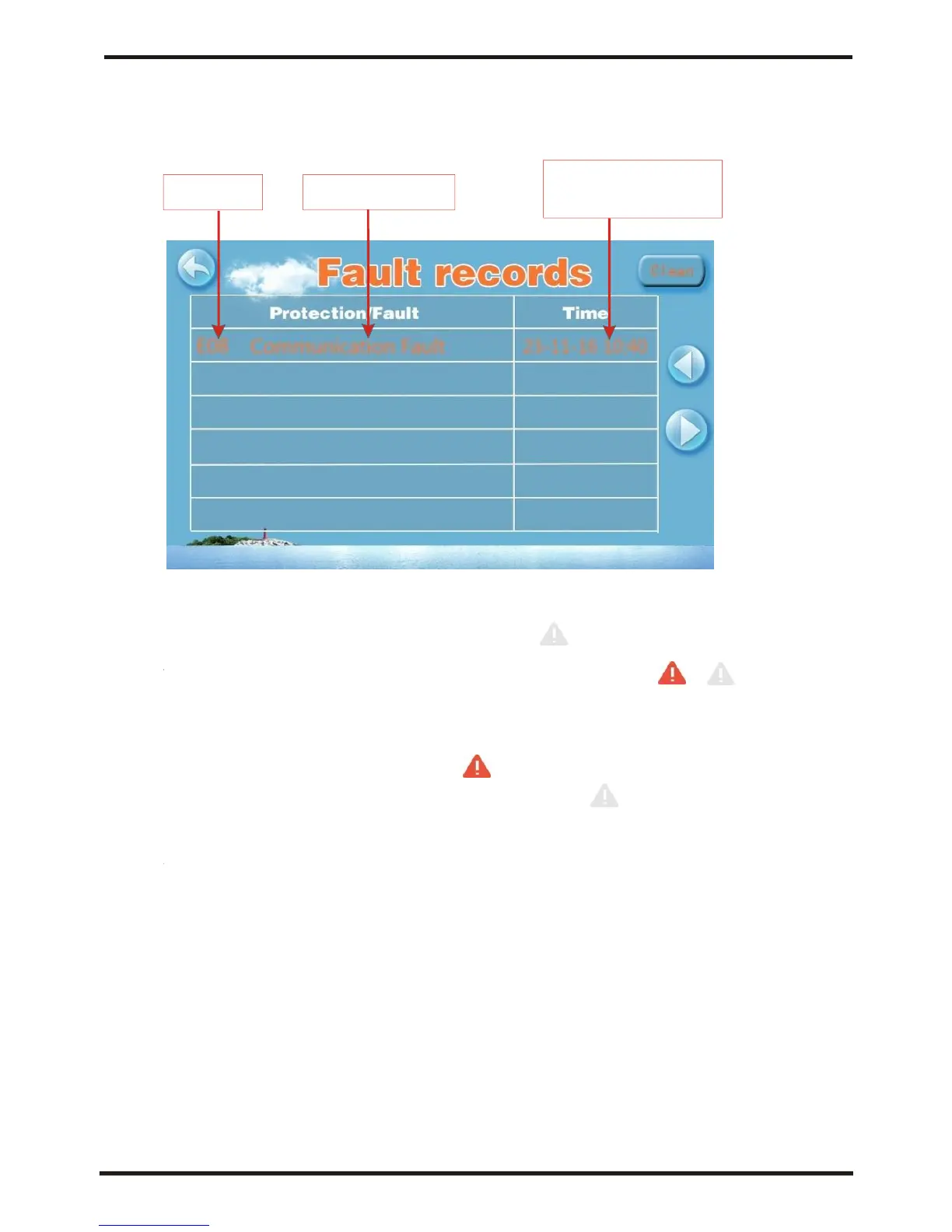
the failure interface will record time, code, name of the fault.
After troubleshooting, if you do not check the failure record,
the main interface will display static "; if you check the
failurerecord, themain interface will displays static ";
Failure record is in reverse order,according to the happening time.
Press the "Clean" key,you can delete the fault record.




 To Next Page