Under the User Settings Programs 9-12 (U1-U4), users may still set a value for TIME,
COUNT, DISTANCE and CALORIE, (in that order), to set press the ENTER button to select
the program, use the “ ▲ / ▼ ” buttons to set the function values, press the ENTER button
to input the values. Or pass some of the inputs, by pressing the ENTER button. The values
will be stored in the memory after setup. Users may also manually increase or decrease the
functions value in each interval by pressing the “ ▲ / ▼ ” buttons, the value stored in the
memory will not be changed or affected by doing this.
NOTE:
1. Your personal exercise profile will be stored in the memory of the monitor.
2. When you reach one of the targets such as TIME, COUNT, DISTANCE or CALORIES,
the monitor will produce a beep sound and then stop.
3. If you set more than one target and would like to continue, press START to begin the
exercise again.
4. The maximum number of users able to create a personal exercise profile is 4.
Computer Instruction
14
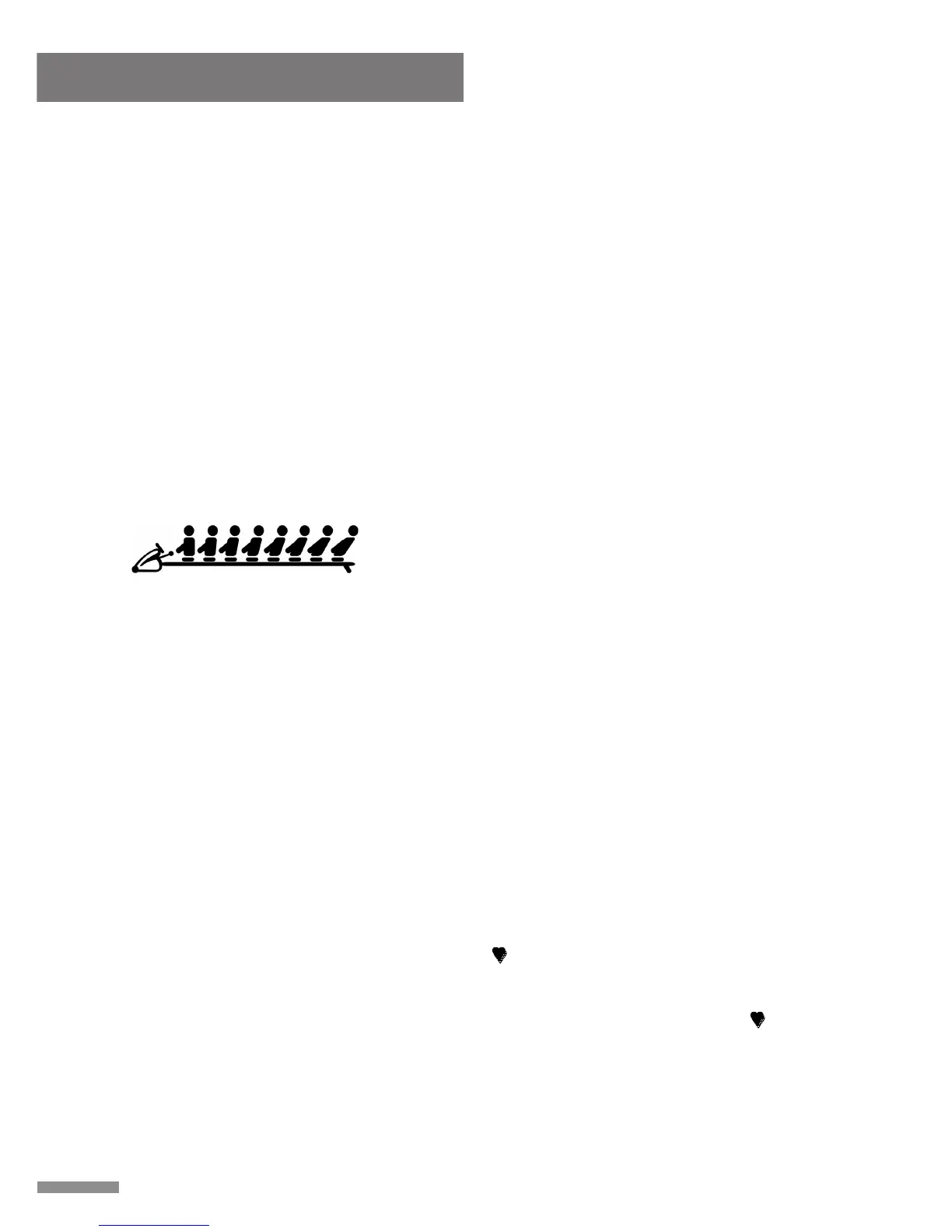
TRAVEL DISTANCE INDICATOR
Indicates the distance traveled on the rower during
during exercise.
E. PULSE RECOVERY FUNCTION:
NOTE: To use this program, you must wear the Heart Rate Transmitter.
The Pulse Recovery function is used upon completion of an exercise, the function
measures the amount of time it takes for the users' heart rate to return to a resting heart
rate, the quicker the users heart rate returns to a resting heart rate the better. The computer
monitors your heart rate for 60 seconds and then calculates a Pulse Recovery value from
F1- F6.
F1.0 = Excellent F2.0 = Good F3.0 = Fair
F4.0 = Below Average F5.0 = Not Good F6.0 = Poor
The readings mentioned are to be used as points of reference, this information is NOT to be
used for any medical reference or purposes.
When starting the Pulse Recovery function, a “ ” symbol will be displayed, after 5 seconds
your heart rate will then be displayed. Once your heart displays on the monitor, press the
Pulse Recovery button, during the Pulse Recovery function, only the PULSE and TIME are
active. The TIME will begin count down from 0:60 seconds, during this time the “ ” symbol
will blink, when the TIME reaches 0:00 the computer will sound an audible alarm for ten
seconds and then display your Pulse Recovery reading from F1.0 to F6.0. (During Pulse
Recovery, press any button to stop audible alarm. Press any button to exit Pulse Recovery
function).



 To Next Page
 Loading...