PROGRAM 8 (TRAGET H .R .):
PROGRAM 7 (INTERVALS):
PROGRAM 4 (FAT BURN):
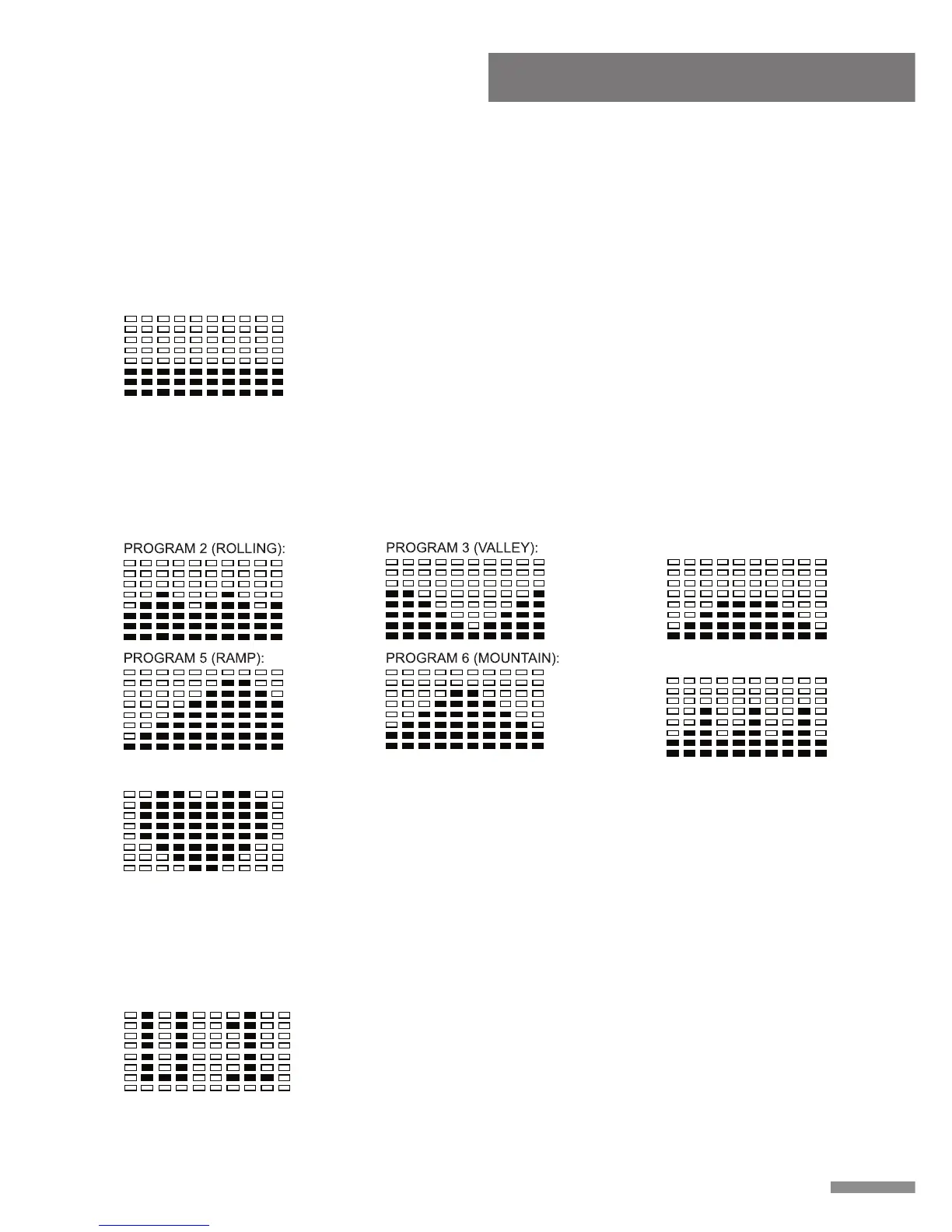
PROGRAM 1 (MANUAL):
Computer Instruction
Preset Programs 2-7: Programs 2 through 7 are automatic programs, however the user
may still increase or decrease the tension level of these programs using the “▲/▼” buttons.
Preset program profiles are displayed on the face of the computer. Under these Preset
Programs users may still set a value for TIME, COUNT, CALORIE and DISTANCE. To set a
value, refer to the FUNCTIONS section of the computer instructions.
Computer Instruction
13
D. PROGRAM PROFILE:
The computer contains 12 different programs. You can preset the program time so that the
computer will divide the time into 10 intervals. If the program time is not preset, the
computer will count up 1 minute for each interval of Program 1 (Manual Program), for
Programs 2-12 the computer will use a preset value of 30 minutes, programs will run in
cycle.
Manual Program 1: Program 1 is a manual program; in this
program the user has full manual control of the workload.
Increase the load using “▲” button, decrease the load using
“▼” button.
Target Heart Rate Program 8: This program requires the
user to wear a Heart Rate Transmitter around their chest.
This program is controlled by heart rate. When the user
selects Program 8 the PULSE window located on the
monitor will display a flashing 90 (the initial setting value), at
this time the user may input their desired Target H.R. from
90-220BPM. In this program the computer will automatically adjust the tension level during
exercise according to the users' heart rate, detected by the heart rate transmitter, in order to
keep the users heart rate within the zone of plus & minus 5 BPM of their set Target H.R.
PROGRAM 9 (user setting):
User Setting Programs 9-12: (U1-U4) Programs 9 through
12 are programs that allow the user(s) to manually preset
each of the 10 intervals in order to create personal exercise
profile(s). To create a profile scroll through the User
Settings Program until “Column” flashes on the Monitor,
press the “ ▲ / ▼ ” buttons to create your exercise program,
press the ENTER button to confirm the first Column of your exercise profile. Repeat this
process to create additional Columns.



 To Next Page
 Loading...