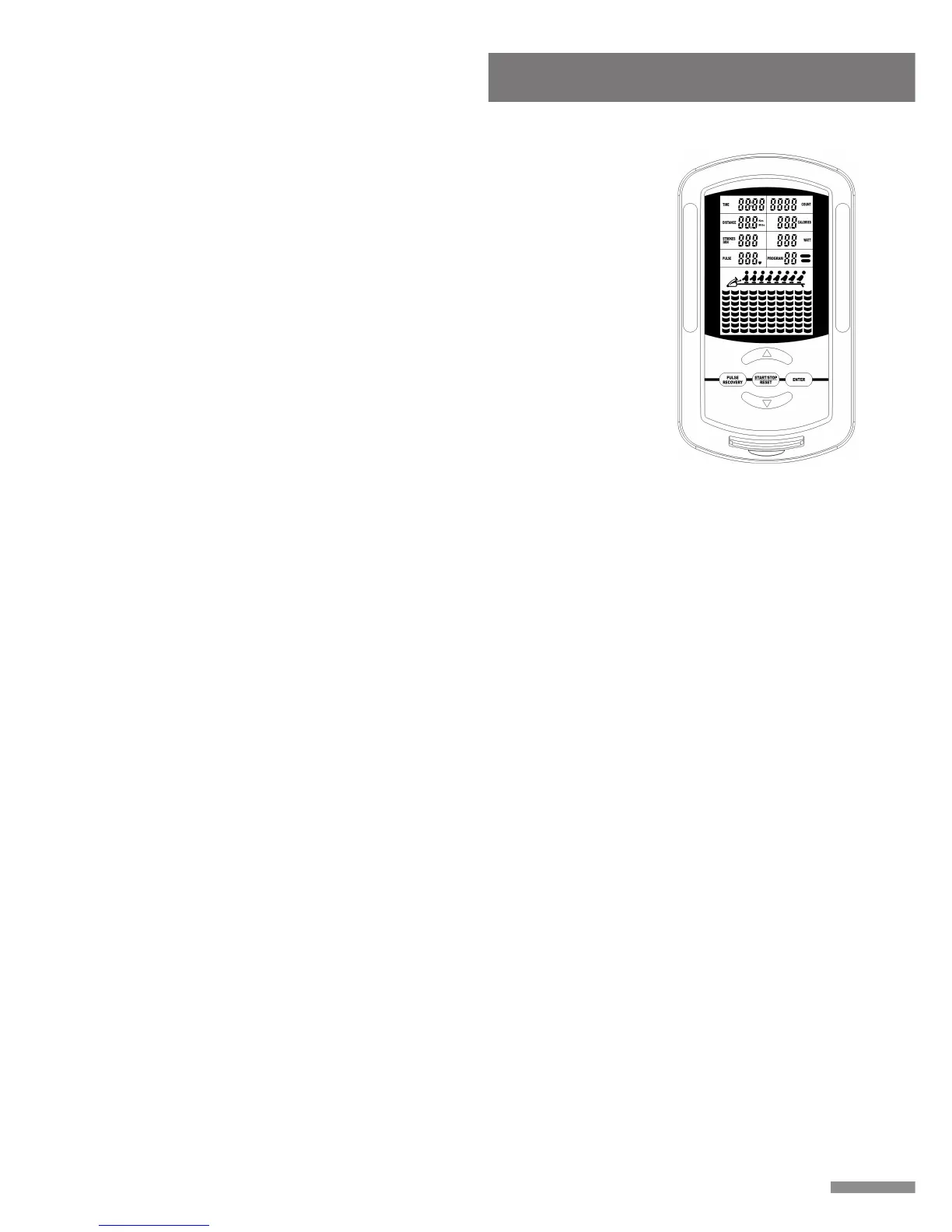
A. POWER UP:
a. Connect all of the cables to the monitor.
b. After power up all LCD segments will light up for 2 seconds, the
Monitor will reset to the initial resistance mode.
c. If the connection cables were installed incorrectly, the Monitor will
display E1 on the matrix display and generate a beep sound. Before
contacting service, please examine that all connection cables are well
connected and then reset the power, you will hear a beep sound
indicating that the power has been reset. Press the START/STOP
(Hold to reset), button to restart the system. If the Monitor still shows
the E1 message please contact service.
d. If the Monitor shows E2 message please contact service.
B. KEY BOARD:
a. ENTER:
1. During the pause mode, press ENTER to select and confirm
programs.
2. Confirm the setting values of TIME, COUNT, DISTANCE,
CALORIES and PULSE in the heart rate control; PROGRAM 8 &
PROGRAM PROFILE in the user setting program.
b. START/STOP/RESET:
1. To START or STOP exercising.
2. Holding this button for 2 seconds will enter the initial mode and reset
all value to zero.
c. UP & DOWN BUTTONS:
1. During the pause mode, cycle through programs or increase the
setting values of TIME, COUNT, DISTANCE, CALORIES and
PULSE in the heart rate control; PROGRAM 8 & PROGRAM
PROFILE in the user setting program.
2. During the exercise mode, press the UP button to increase the load
level, press the DOWN button to decrease the load level.
d. PULSE RECOVERY:
After completing an exercise, press to activate the pulse recovery
function. You must wear the HEART RATE TRANSMITTER.
11
Computer Instruction



 To Next Page