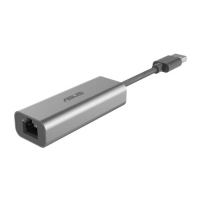
ASUS WL-167g USB wireless LAN adapter
2-3
Installation procedures (Cont.)
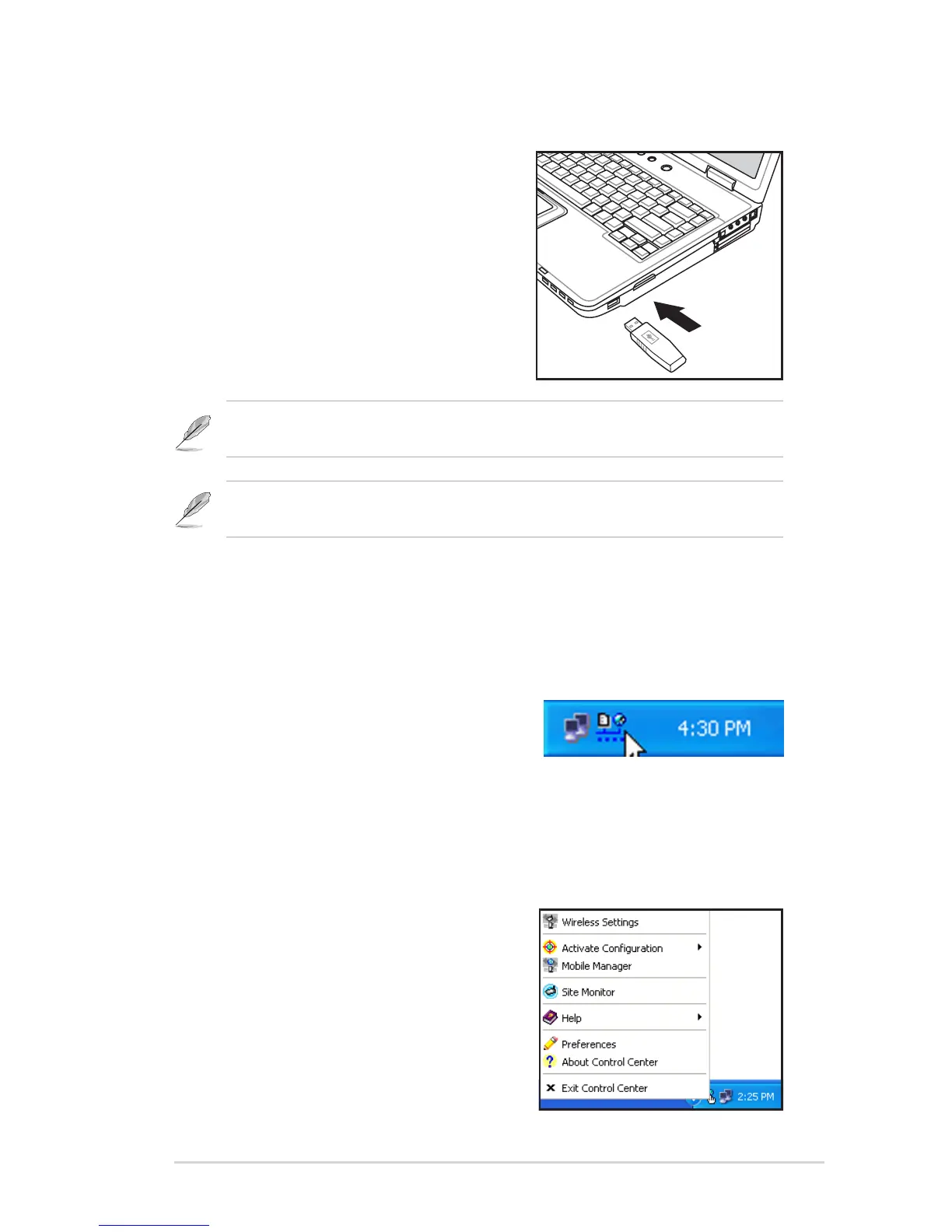
2.2.2 Installing the device
To install the ASUS USB Wireless LAN
Adapter in your computer:
1. Insert to any USB port.
2. When “Found New Hardware” dialog
box appears, select
“Install...automatically” and follow the
instructions.
Windows
®
2000 users - A Digital Signature Not Found dialog box may
appear. Click Yes to proceed.
Windows
®
XP users - A Windows Logo Testing Not Found dialog box may
appear. Click Continue Anyway to proceed.
3. After completing installation, configure the ASUS USB Wireless LAN
Adapter using ASUS Wireless Settings.
Support Software
Control Center
The Control Center utility is a
management software that launches
applications and configures network settings. The Control Center starts
automatically when the system boots and displays the Control Center icon in
the Windows
®
taskbar. The Control Center icon serves as an application
launcher, and indicator of signal quality and Internet connection.
Control Center right-click menu
Right-clicking the Control Center icon
displays the right-click menu. The following
sections describe the right-click menu
utilities.



 To Next Page