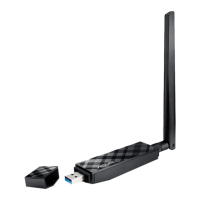
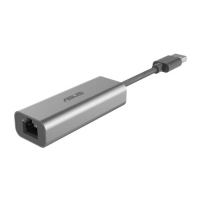
ASUS WL-167g USB wireless LAN adapter
3-15
Down – Lowers the position of the selected wireless network configuration
in the preferred network list.
Edit menu commands appear when you right-click a configuration in the
Mobile Manager window.
View menu
Large Icons – Displays large icons for each configuration.
Small Icons
– Displays small icons for each configuration.
List
– Shows a list of available configurations.
Details
– Displays the name, type, and description of a selected
configuration.
Help menu
Contents – Displays the WinHelp window for online help.
About Mobile Manager
– Displays the Mobile Manager version
number and copyright information. Click on the ASUS logo to open the
ASUS website.
3.3.2 Creating a new configuration
To create a new configuration:
1. Launch the New Configuration Wizard by clicking File from the menu
bar, then select New Configuration from the drop-down menu, or
double-clicking the New Configuration
icon on the Mobile
Manager toolbar. The New Configuration Wizard dialog box appears.



 To Next Page