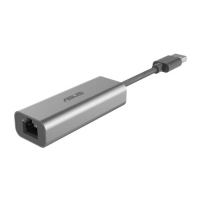
ASUS WL-167g USB wireless LAN adapter
3-17
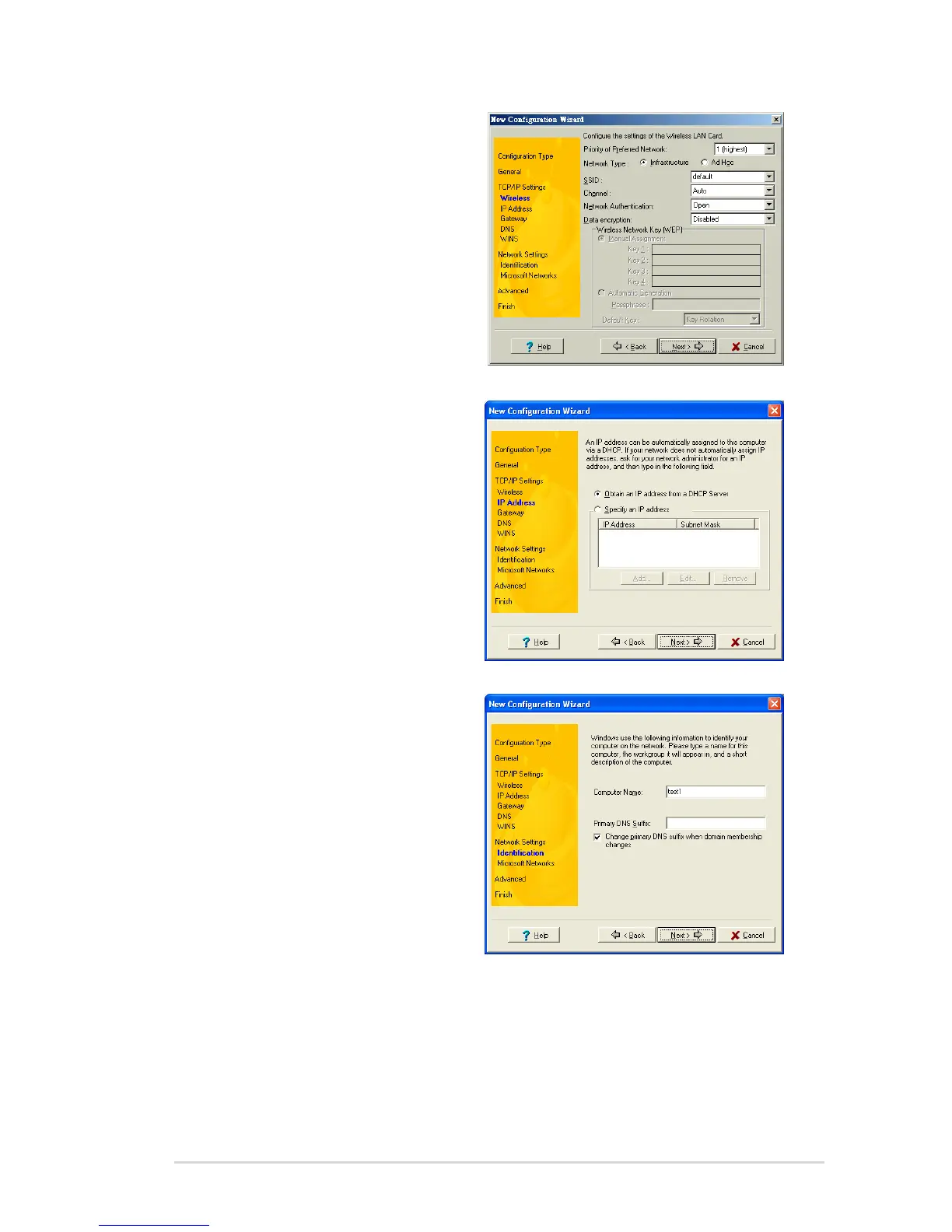
4. Configure the wireless settings
including the network type, SSID,
channel and WEP encryption.
Click Next when done.
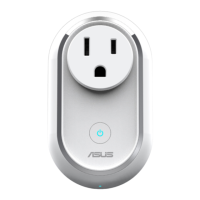
5. Set the IP address of the
configuration using this window.
Specify the IP address using the
DHCP server (automatic) or
manual assignment. The wizard
auto-detects and displays the
current system settings.
Click Next when done.
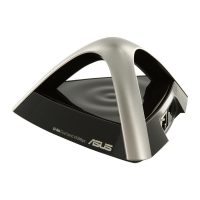
6. Enter the computer name, then
click Next.



 To Next Page