4-16
Chapter 4: BIOS Setup
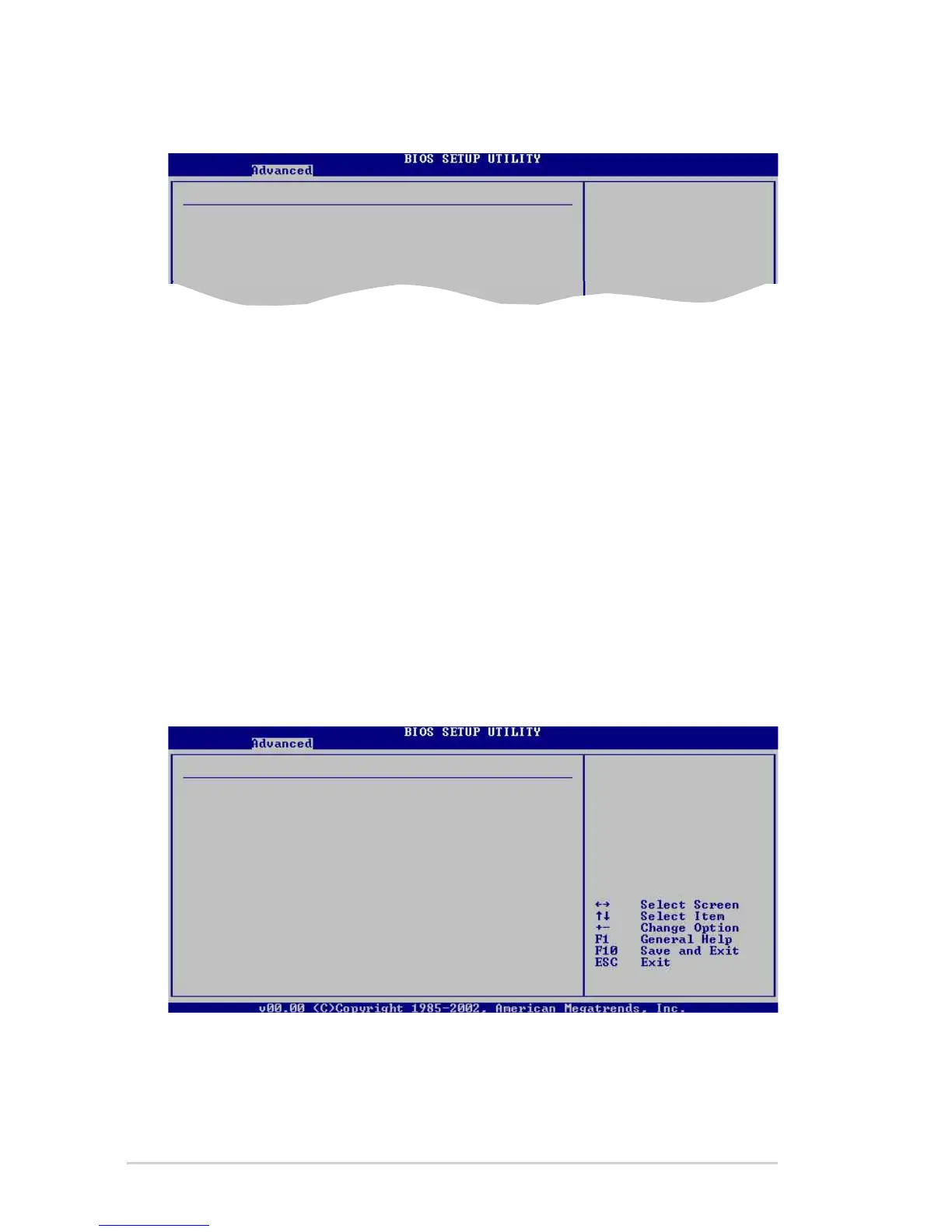
HyperTransport Configuration
HT Frequency [1000 MHz]
Allows frequency selection of HyperTransport transfer from K8 CPU to
AGP. Configuration options: [200 MHz] [400 MHz] [600 MHz] [800 MHz]
[1000 MHz]
HT DATA Width (Upstream) [16 BIT]
Allows selection of HyperTransport upstream data width.
Configuration options: [16 BIT] [8 BIT]
HT DATA Width (Downstream) [16 BIT]
Allows selection of HyperTransport downstream data width.
Configuration options: [16 BIT] [8 BIT]
Memory Configuration
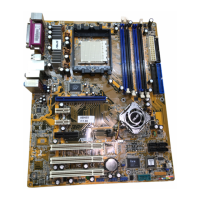
HyperTransport Configuration
HT Frequency [1000 MHz]
HT DATA Width (Upstream) [16 BIT]
HT DATA Width (Downstream) [16 BIT]
Memory Configuration
Memclock Mode [Auto]
DRAM Over 4G Remapping [Disabled]
Bank Interleaving [Auto]
Node Interleaving [Disabled]
Burst Length [8 Beats]
CAS Latency (CL) [Auto]
TRC [Auto]
TRFC [Auto]
TRCD [Auto]
TWR [Auto]
TRWT [Auto]
TRAS [Auto]
TRP [Auto]
TWCL [Auto]
AsyncLat [Auto]
Read Preamble Setting [Auto]
2T Command [Auto]
K8 CPU to AGP
HyperTransport
Frequency Selection
MEMCLK can be set
by the code using
AUTO, or if you use
LIMIT, you can set
one of the standard
values.
Memclock Mode [ Auto]
Allows you to set the memory clock mode. Set by the code using [Auto] or
select [Manual] to set using one of the standard values.
Configuration options: [Auto] [Limit]


 To Next Page