LED projector E-Manual
11
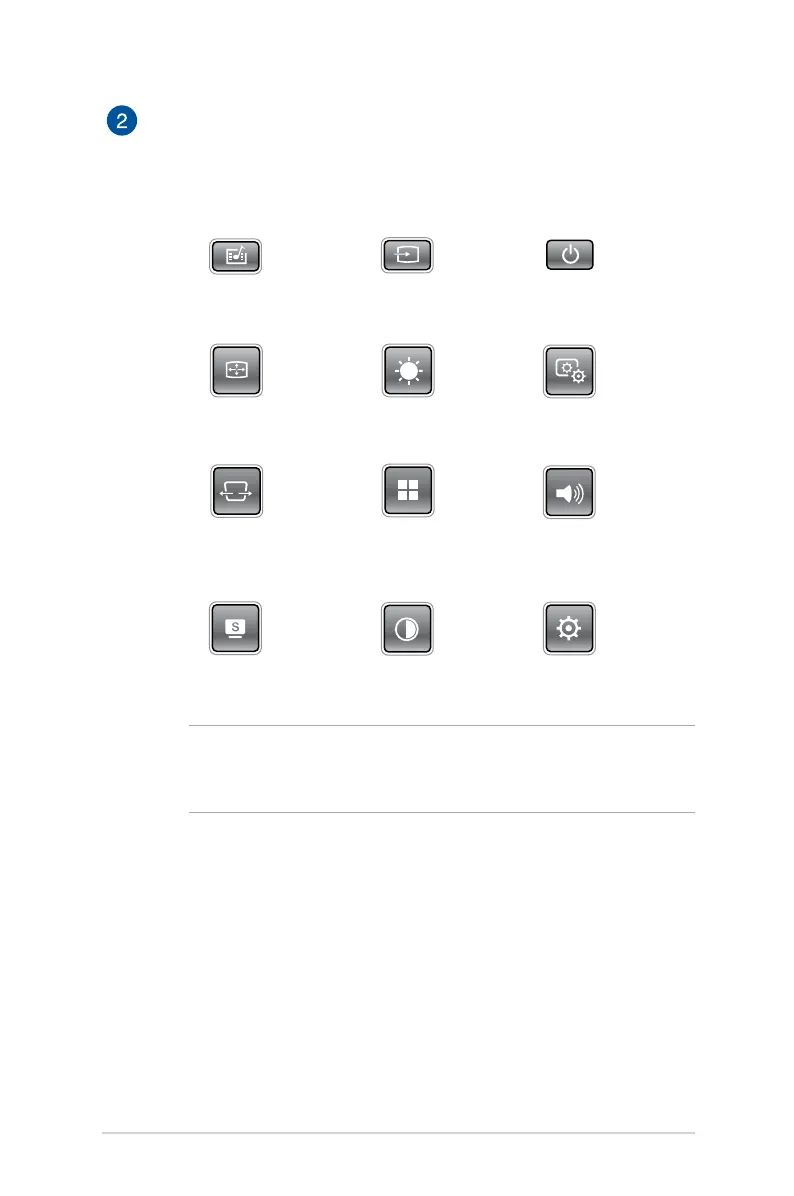
Control panel buttons
The control panel buttons allow you to navigate the onscreen
display menu. Individually, these buttons also correspond to a
specic LED projector setting as indicated below.
Media Center Input Power
Image Position Brightness Image Quality
Keystone Main menu/OK Volume
Splendid Contrast Setup
NOTE: For more information on using the control panel buttons
to access your LED projector’s settings, refer to the Accessing
your LED projector’s settings section in this manual.


 To Next Page