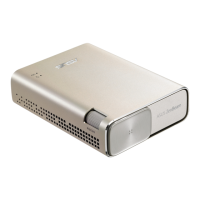
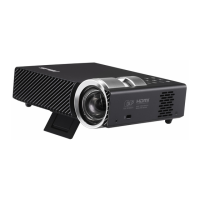
LED projector E-Manual
13
AV-IN
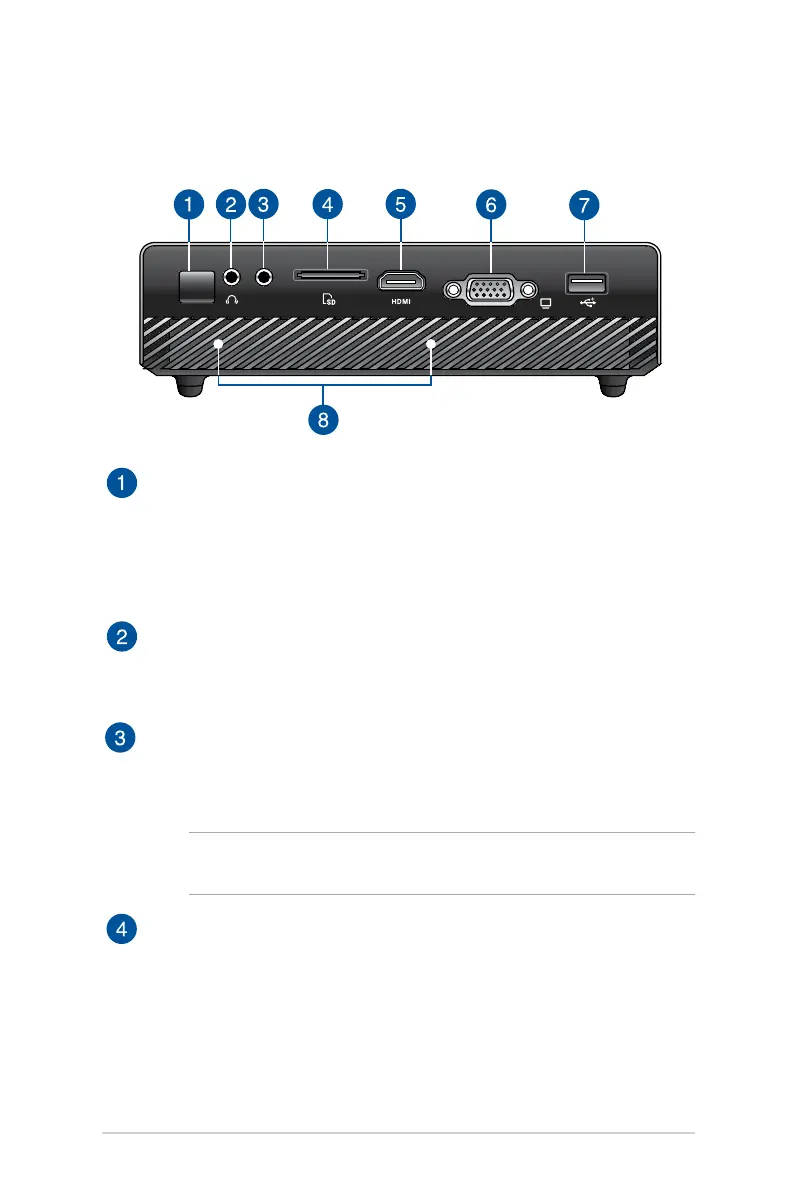
Infrared (IR) sensor
The IR sensor detects signal from your LED projector’s remote
control, allowing you to access the LED projector’s control
panel from a distance of up to 7 meters and a receiving angle of
15
degrees.
Audio output jack port
The audio output jack port allows you to connect your LED
projector to amplied speakers or headphones.
Audio/Video input jack port
Insert a 3.5mm composite AV cable into this port to connect
your audio/video equipment to the LED projector.
NOTE: To know which cable to connect to this port, refer to the
table on page 25.
Memory card reader
This LED projector has a single built-in memory card reader slot
that supports SD card formats.
Rear view


 To Next Page