18
LED projector E-Manual
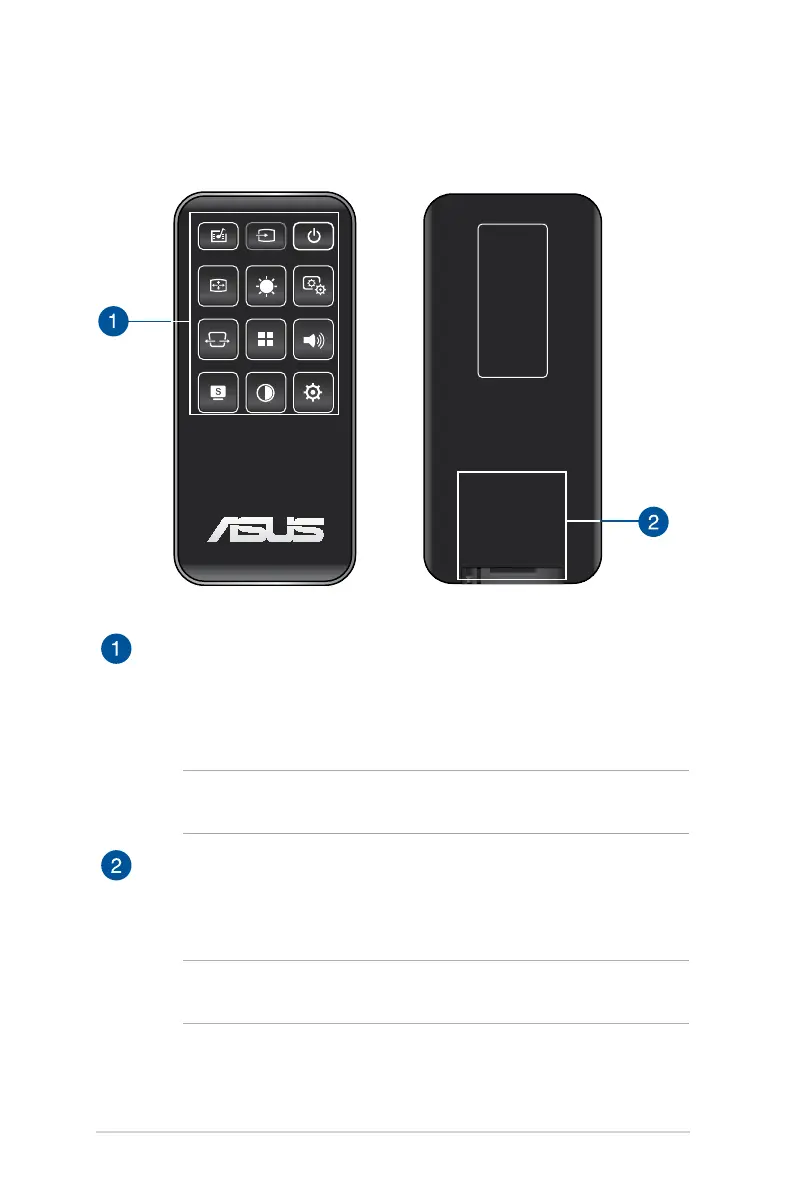
LED projector remote control
Control panel buttons
The control panel buttons allow you to navigate the onscreen
display menu. Individually, these buttons also correspond to a
specic LED projector setting.
NOTE: For more details on using the control panel buttons, refer
to the Using the onscreen display menu section in this manual.
Battery compartment
The battery compartment allows you to use a CR2025 lithium
coin battery to power your LED projector’s remote control.
NOTE: For more details on using the battery compartment, refer
to the Replacing the battery section in this manual.


 To Next Page