58
LED projector E-Manual
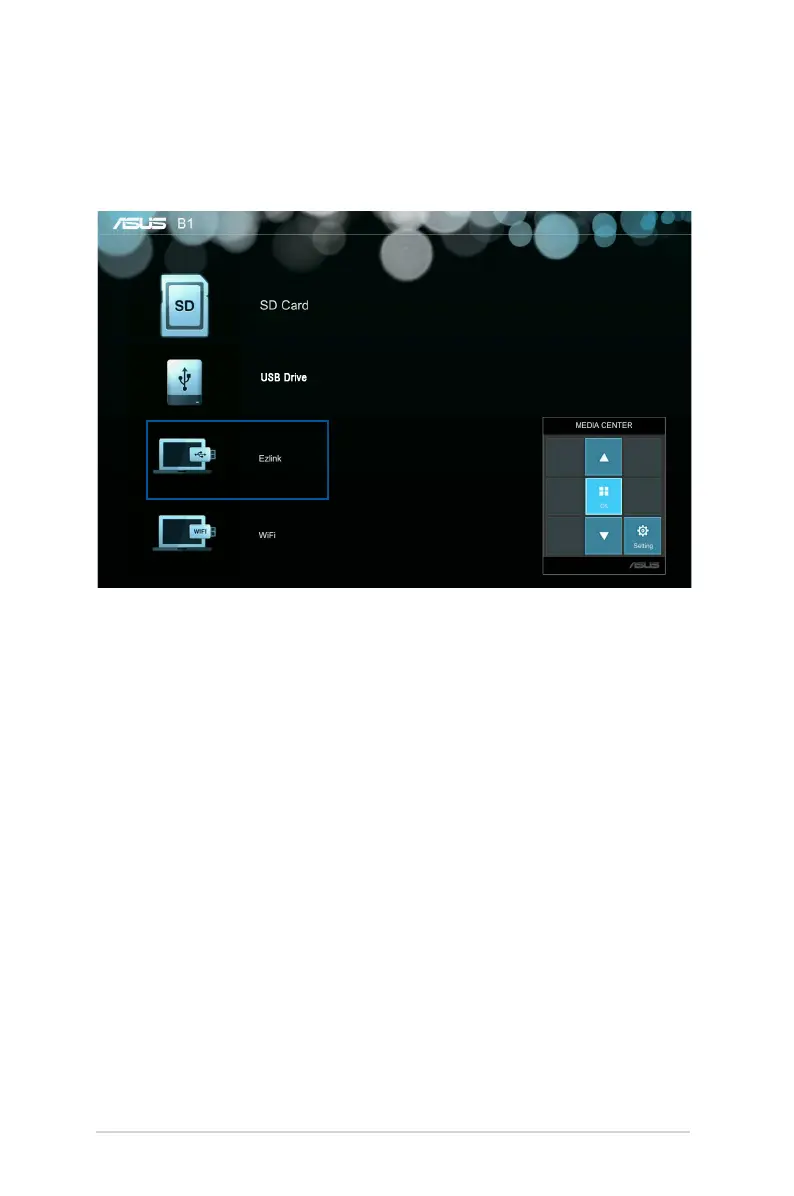
Ezlink
This feature allows you to project from input devices, such as laptops
and desktop computers, using a USB cable.
To project les using Ezlink you need to install EZ Display in your
input device’s operating system.
For Windows®:
1. Connect your LED projector to your device using a USB cable.
2. Turn on your input device and go to My Computer.
3. Select EZ Display> EZ_USB_installer.exe


 To Next Page