36
LED projector E-Manual
Launching programs from the
onscreen display menu
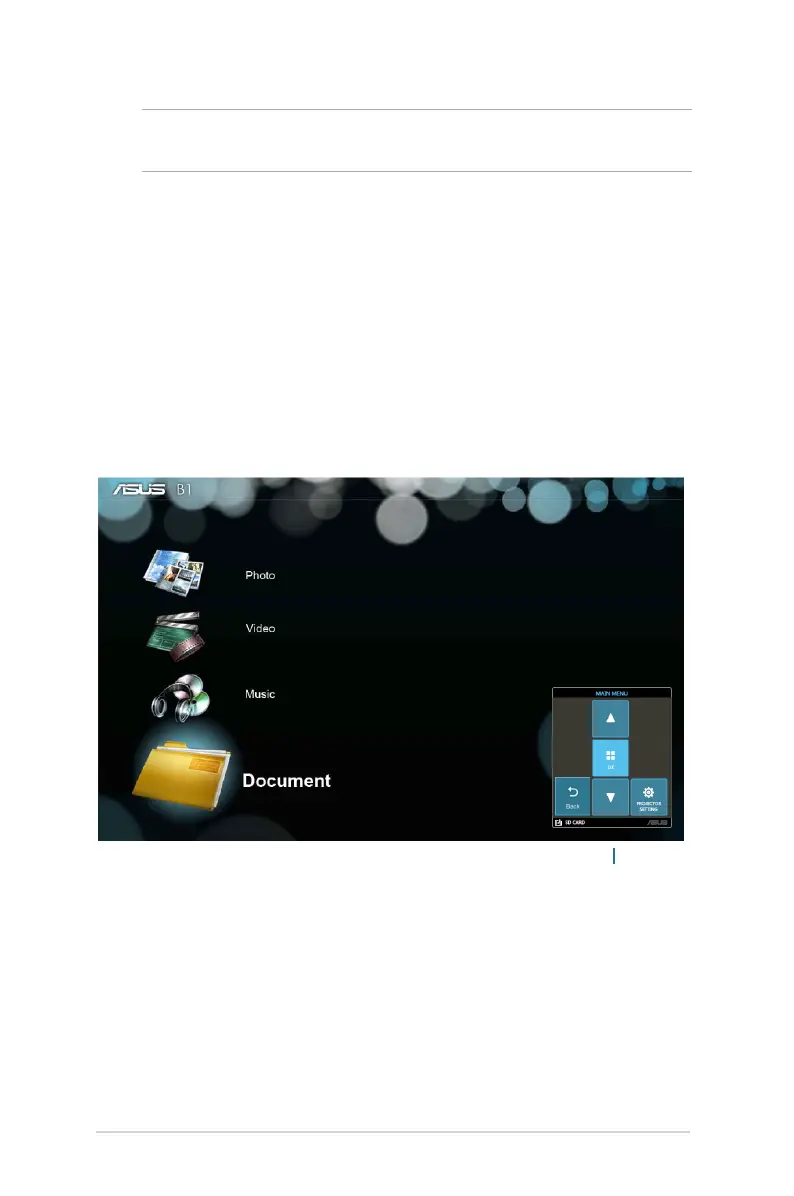
The onscreen display menu contains a set of programs and settings
designed to maximize your use of the LED projector. You can
navigate inside the onscreen display menu using the control panel
buttons on your LED projector or its accompanying remote control.
To launch options or programs shown on the onscreen display
menu, refer to the control panel grid shown as below.
control panel grid
NOTE: The following screenshots are for reference only and may be
updated without prior notice.


 To Next Page