Turning your computer ON/OFF
This section describes how to turn on/off your computer after setting up your computer.
Turning your computer ON
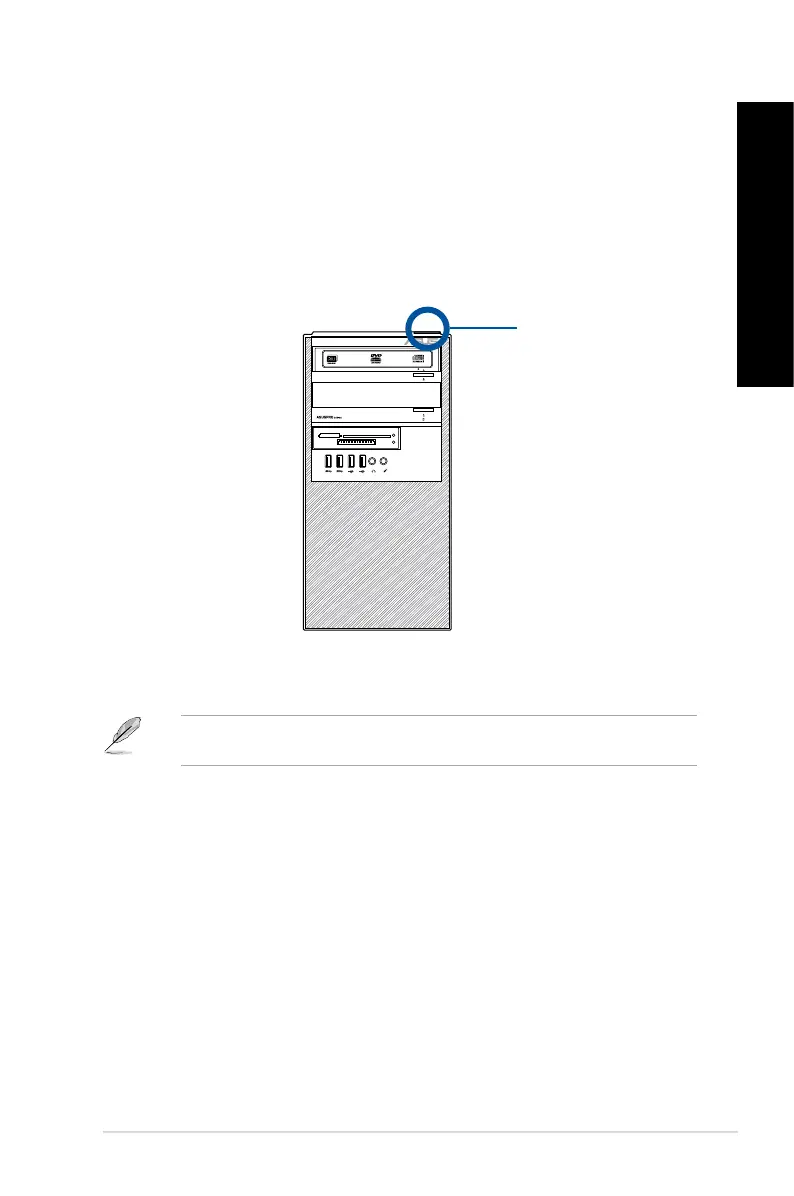
To turn your computer ON:
1. Turn your monitor ON.
2. Press the power button on your computer.
3. Wait until the operating system loads automatically.
For details on shutting down your Desktop PC, refer to the Windows
®
7 / Windows
®
8.1 User
Manual, which can be found in this manual.
Power button
SD/MMC/MS
CF/MD
Smart Card
ASUS D810MT / BM810MT 21
ENGLISH
ENGLISH



 To Next Page