52 Chapter 2: Using Windows
®
8.1
ENGLISH
ENGLISH
Using the Windows
®
UI
The Windows
®
User Interface (UI) is the tile-based display used in Windows
®
8.1. It includes the
following features you can use while working on your Desktop PC.
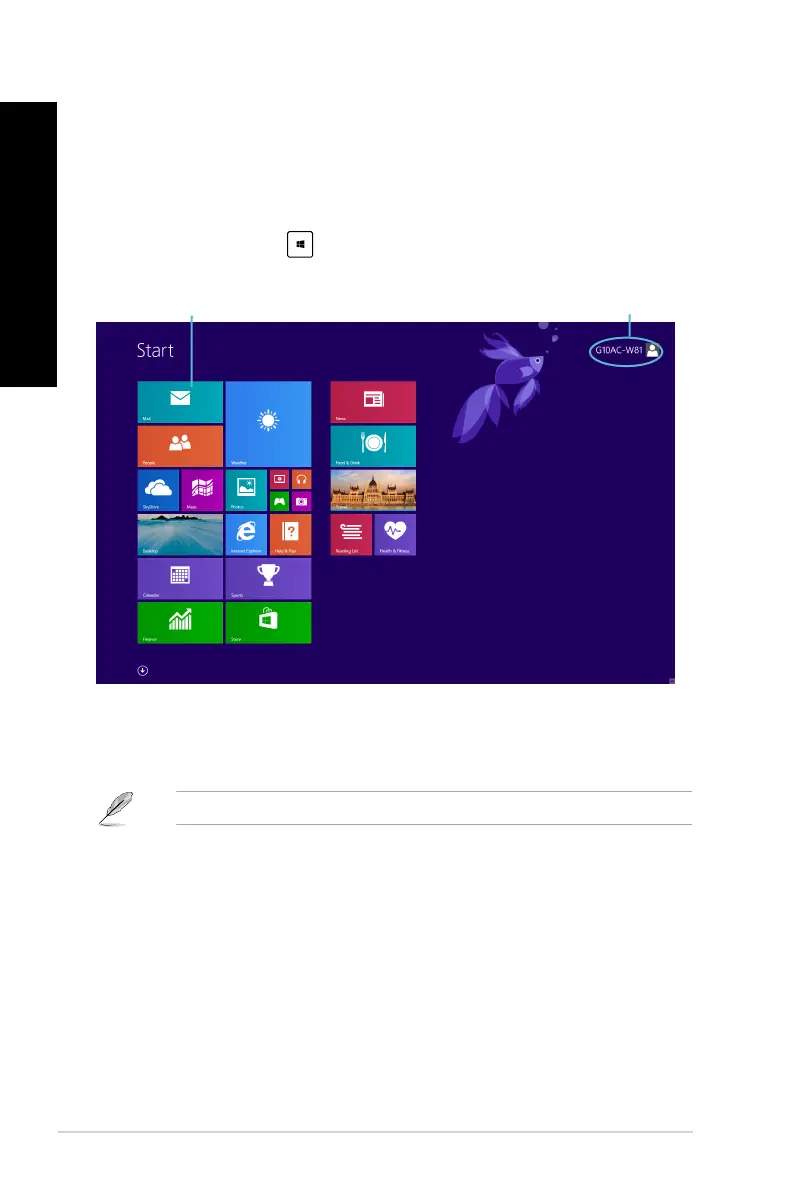
Start screen
The Start screen appears after successfully signing in to your user account. It helps organize all the
programs and applications you need in just one place.
You can press the Windows key
to launch the Start screen from any apps.
Windows
®
apps
These are apps pinned on the Start screen and displayed on tiled-format for easy access.
Some apps require signing in to your Microsoft account before they are fully launched.
User account
live tiles



 To Next Page