ASUS Business Manager
ASUS Manager provides a set of tools for customizing and maintaining your ASUS computer.
Installing ASUS Business Manager
1. Insert your ASUS support DVD into your optical drive.
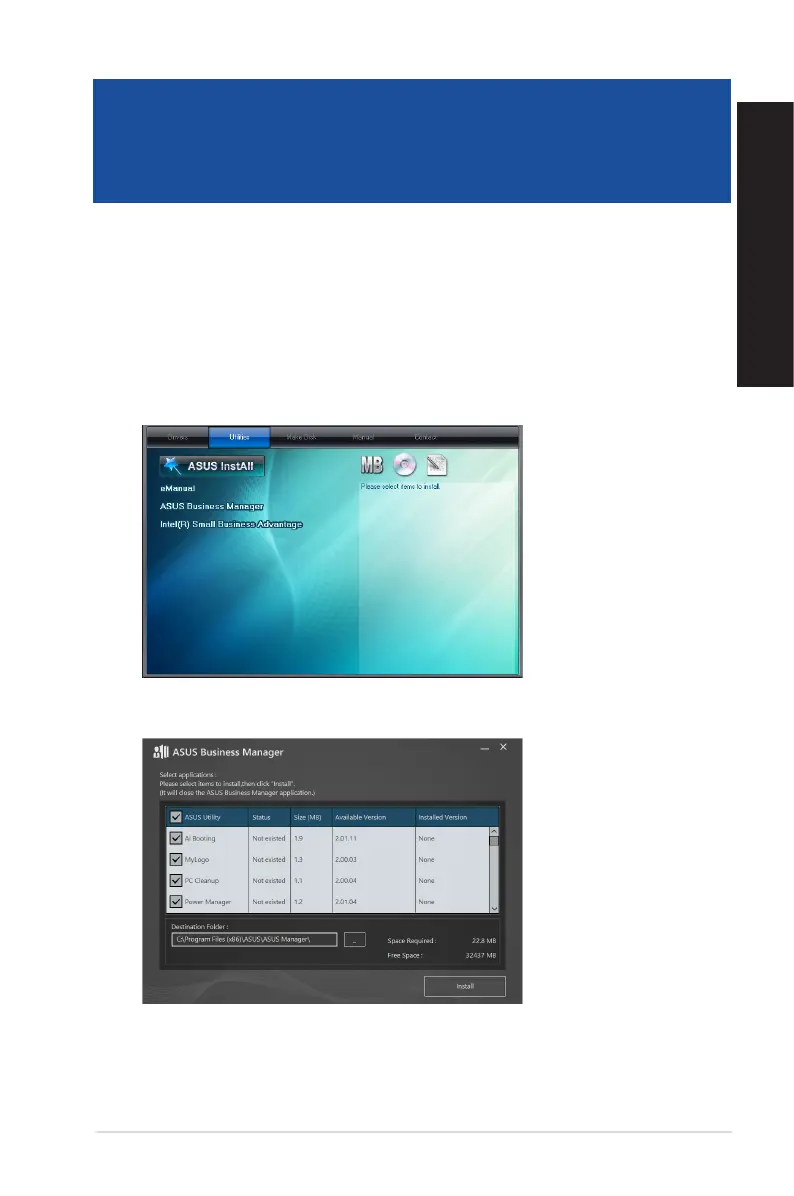
2. On the support CD window, click Utilities > ASUS Business Manager.
3. On the ASUS Manager setup screen, select the applications you want to install.
4. Click Install.
5. The system will prompt you to reboot your system once installation is complete.
ASUS Desktop PC
49
ENGLISH
ENGLISH
Chapter 5
Using ASUS Business Manager



 To Next Page