ASUS Desktop PC 71
ENGLISH
ENGLISH
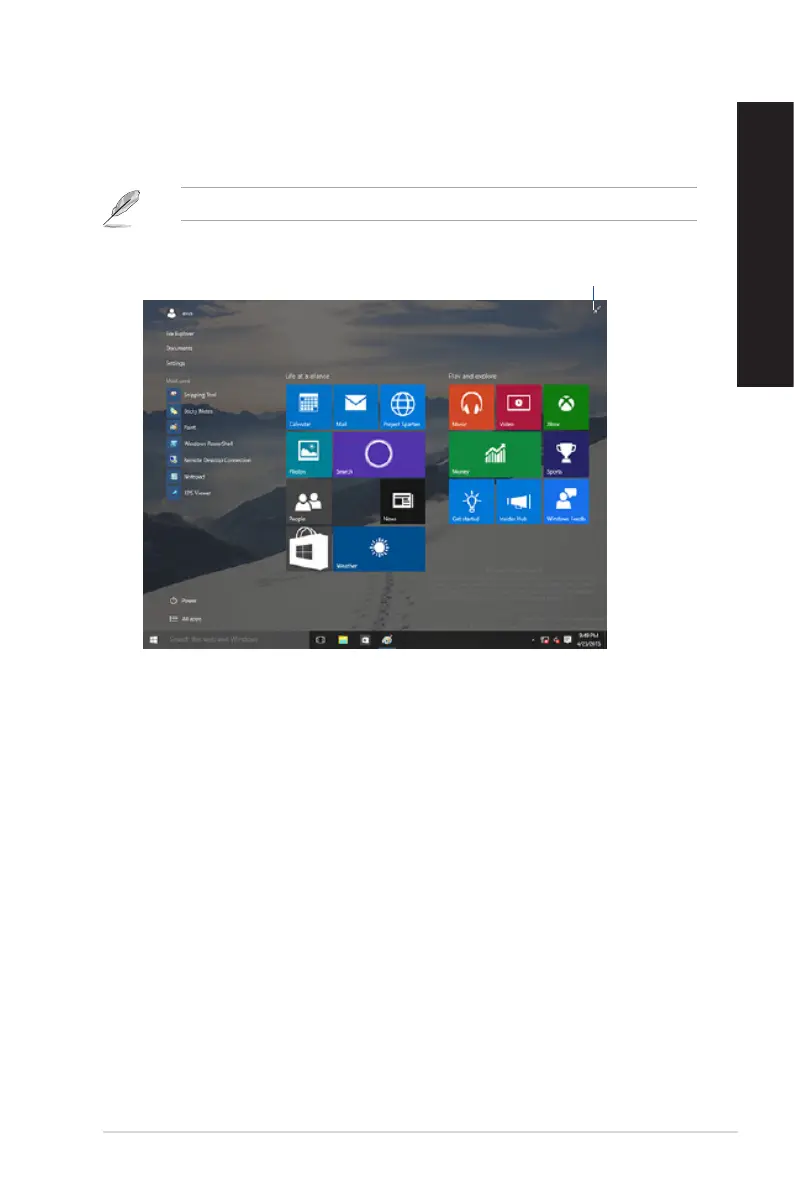
Start screen
TheStartscreen,whichappearstogetherwiththeStartmenu,helpsorganizealltheappsyouneed
injustoneplace.TheappsontheStartscreenaredisplayedontiled-formatforeasyaccess.
Some apps require signing in to your Microsoft account before they are fully launched.
Click to restore the
Start screen
Moving apps on the Start screen
YoucanmoveappsfromtheStartscreensimplythroughdragginganddroppingtheapptoyour
preferred location.
Unpinning apps from the Start screen
TounpinanappfromtheStartscreen,right-clickontheapptoactivateitssettingsbarthenclick
Unpin from Start.



 To Next Page