Need help?
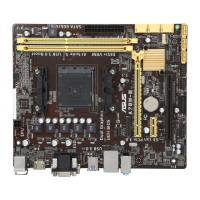
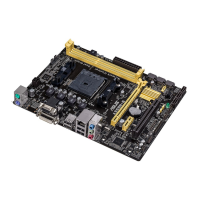
Do you have a question about the Asus E2938 and is the answer not in the manual?
Covers CPU handling, installation, and heatsink/fan mounting.
Details system memory overview and the process for installing DIMMs.
Guides the user through the first-time system power-on process.
Covers utilities for managing and updating the motherboard BIOS.
Covers overclocking-related options for performance tuning.
Configures boot order, security features like passwords.
Explains RAID configurations and the steps for setup.
 General
| Brand | Asus |
|---|---|
| Model | E2938 |
| Category | Motherboard |
| Language | English |


 To Next Page