4-12
Chapter 4: BIOS setup
4.3 Main menu
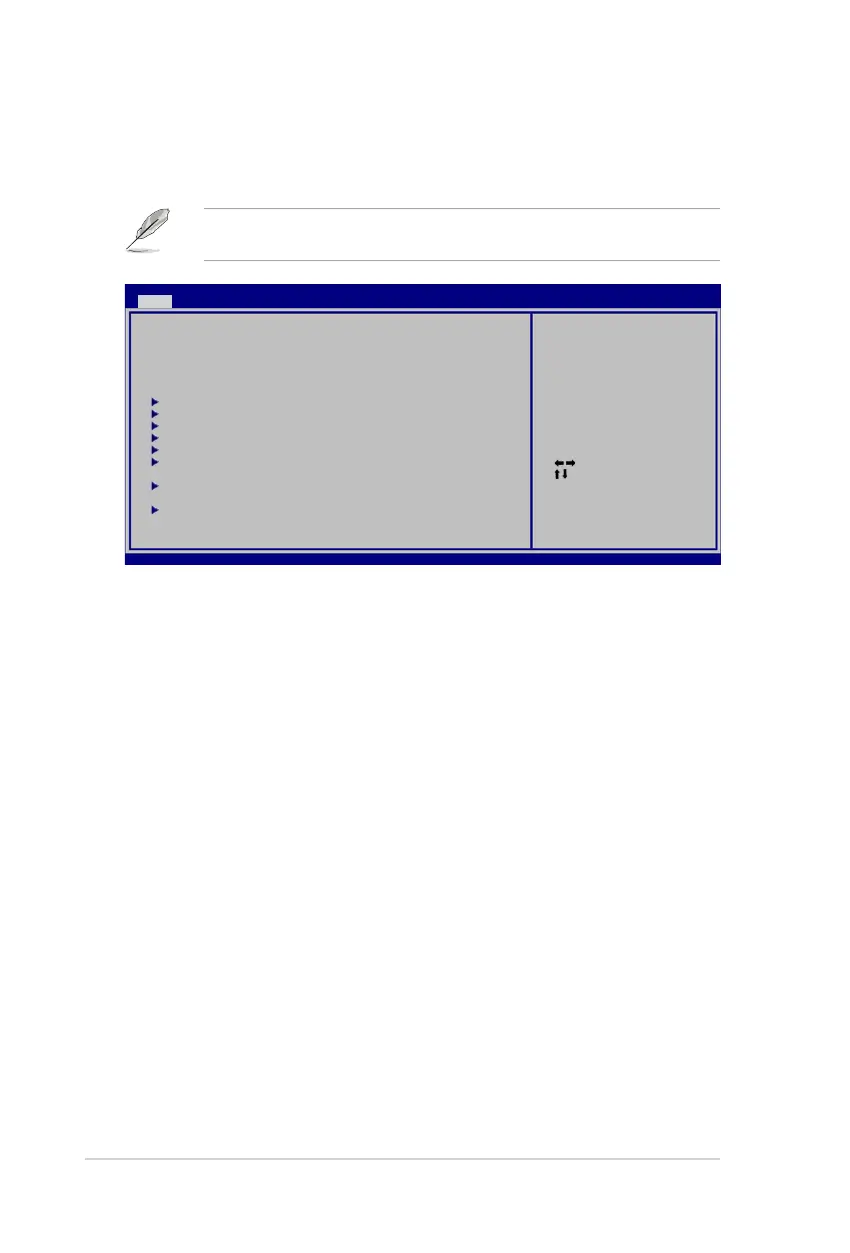
When you enter the BIOS Setup program, the Main menu screen appears, giving
you an overview of the basic system information.
4.3.1 System Time [xx:xx:xx]
Allows you to set the system time.
4.3.2 System Date [Day xx/xx/xxxx]
Allows you to set the system date.
4.3.3 Legacy Diskette A [1.44M, 3.5 in.]
Sets the type of oppy drive installed.
Conguration options: [Disabled] [360K, 5.25 in.] [1.2M , 5.25 in.] [720K , 3.5 in.]
[1.44M, 3.5 in.] [2.88M, 3.5 in.]
4.3.4 Language [English]
Allows you to choose the BIOS language version from the options.
Conguration options: [Chinese BIG5] [Chinese (GB)] [Japanese] [Français]
[German] [English]
Refer to section 4.2.1 BIOS menu screen for information on the menu screen
items and how to navigate through them.
Select Screen
Select Item
+- Change Field
Tab Select Field
F1 General Help
F10 Save and Exit
ESC Exit
v02.58 (C)Copyright 1985-2006, American Megatrends, Inc.
BIOS SETUP UTILITY
Main Extreme Tweaker Advanced Power Boot Tools Exit
System Time [10:55:25]
System Date [Mon 11/22/2006]
Legacy Diskette A [1.44M, 3.5 in]
Language [English]
Primary IDE Master [Not Detected]
Seconday IDE Master [Not Detected]
Primary IDE Slave [Not Detected]
Secondary IDE Slave [Not Detected]
Third IDE Master [Not Detected]
Fourth IDE Master [Not Detected]
IDE Coniguration
System Information
Use [ENTER], [TAB] or
[SHIFT-TAB] to select
a eld.
Use [+] or [-] to
congure system Time.



 To Next Page