10
Operation modes
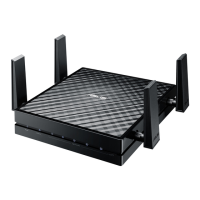
ASUS EA-AC87 provides two operation modes: Media Bridge and Access Point
(AP).
IMPORTANT:
• For the best wireless performance, place EA-AC87 at a distance of more than 1.5
meters away from the parent Access Point (AP).
• Check the slide switch on the side of EA-AC87 to conrm the mode status.
Media Bridge mode
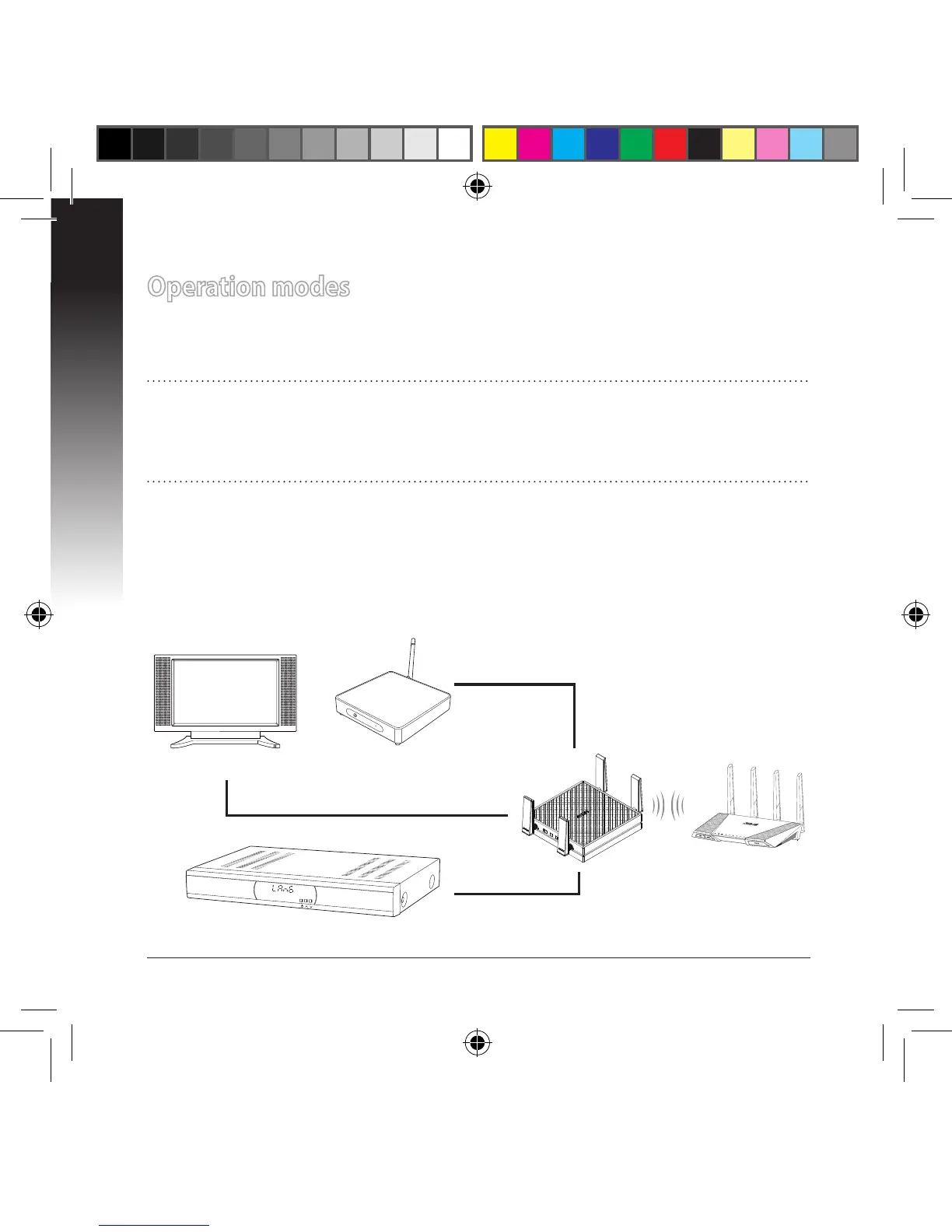
By default, EA-AC87 is set to the media bridge mode. In this mode, you can con-
nect any Ethernet-enabled device to your wireless home network via the wireless
router. This mode is perfect for home theater devices such as smart TV, set-top
box and HD media player.
STB (Set-top box)


 To Next Page