17
Frequently Asked Questions
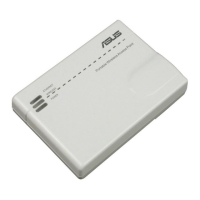
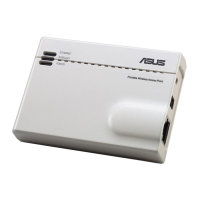
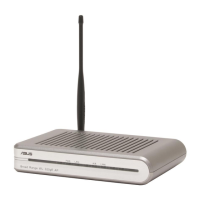
Q1: What are the default IP, SSID, and login name password for
EA-AC87?
IP before
setting
IP after
settings
URL for
setup*
Default
SSID
Login username
and password
Media
bridge
mode
192.168.1.1
Assigned by
connected
router
http://
ndasus.local
N/A
username: admin
password: admin
Access
point
mode
Assigned by
connected
router
Assigned by
connected
router
http://
ndasus.local
ASUS_5G
* Windows® XP does not support ndasus.local. If you use Windows® XP operating
system, please download the device discovery utility from ASUS website
www.asus.com to nd the IP of EA-AC87.
Q2: I cannot access the web GUI to congure the EA-AC87 settings.
• Close all running web browsers and launch again.
• Follow the steps below to congure your computer
settings based on its
operating system.
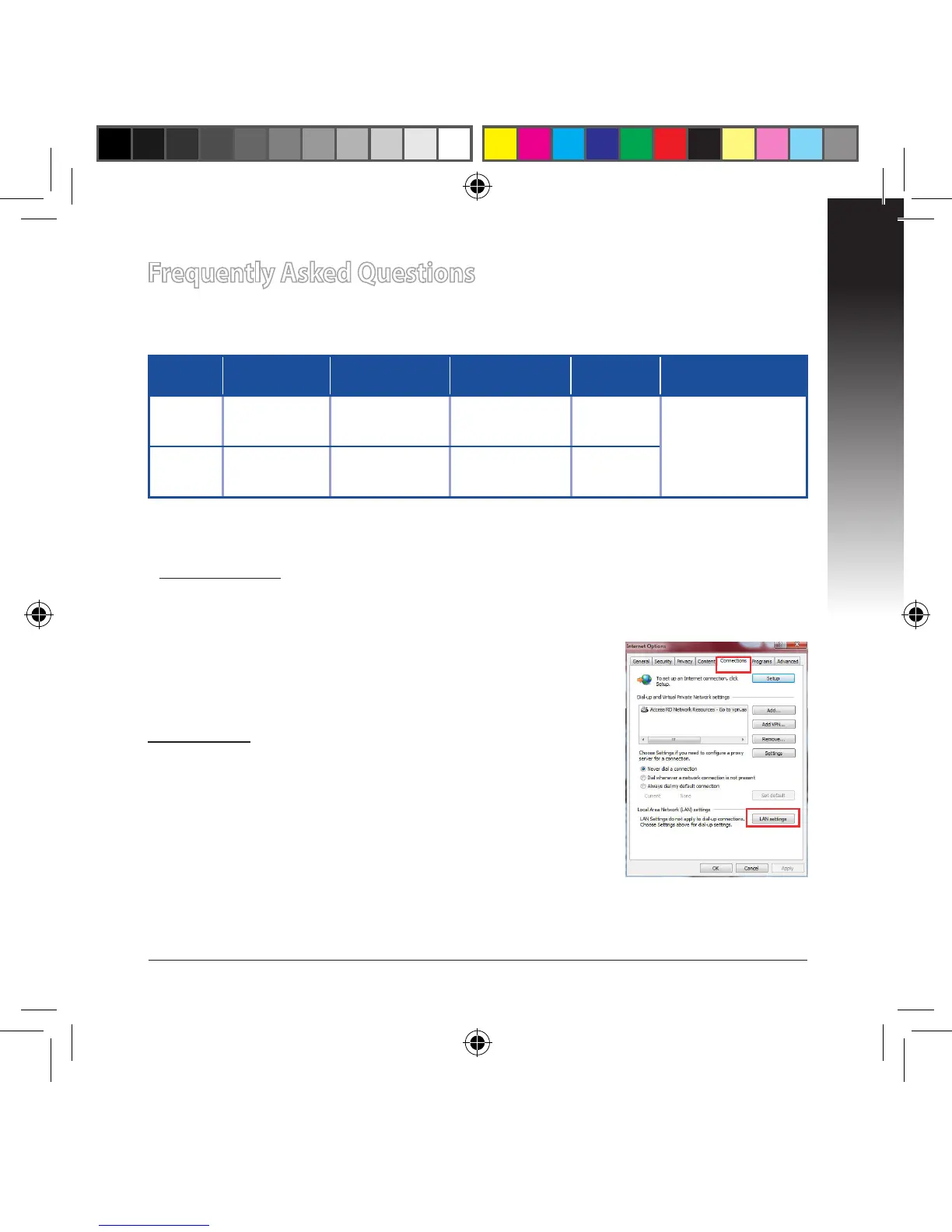
Windows® 7
A. Disable the proxy server, if enabled.
1. Click Start > Internet Explorer to launch the web
browser.
2. Click Tools > Internet options > Connections tab >
LAN settings.
3. From the Local Area Network (LAN) Settings screen, untick Use a proxy server
for your LAN.
4. Click OK when done.


 To Next Page