16
Access Point (AP) mode
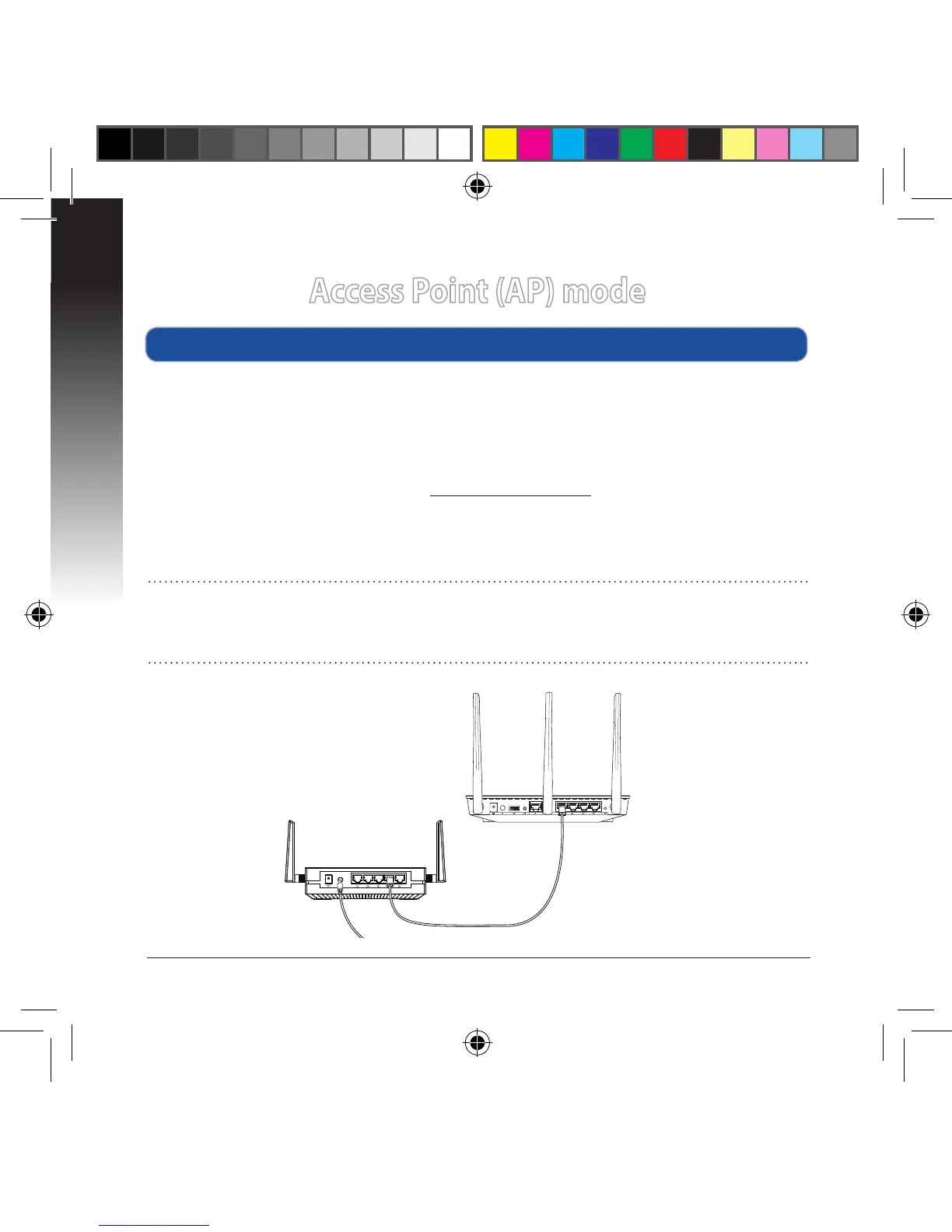
a. Adjust the slide switch to AP mode.
b. Plug in the power adapter and using the bundled network cable to connect to
your router’s LAN port.
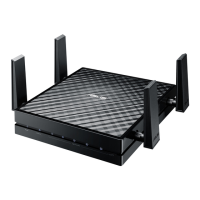
c. Connect your device to EA-AC87’s default network name (SSID) ASUS_5G.
d. On your web browser, key in the http://ndasus.local in the address bar. Key in
the default username and password: admin.
e. Follow the Web GUI to congure various settings. You can assign a new SSID
and security key of your EA-AC87.
Setting up via web-based interface
NOTE:
• In AP mode, you can use the WPS button to connect other devices.
• Ensure to connect EA-AC87 to a router's LAN port before setting up.


 To Next Page