8
LED indicators
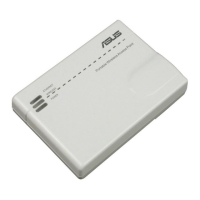
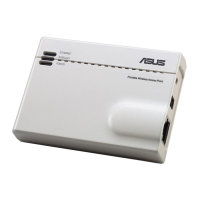
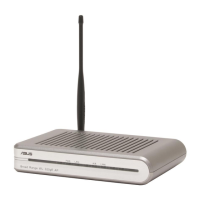
Move the slide switch on the side of your EA-AC87 to your preferred operation
mode (Media Bridge or Access Point). Refer to the following table to conrm the
mode status.
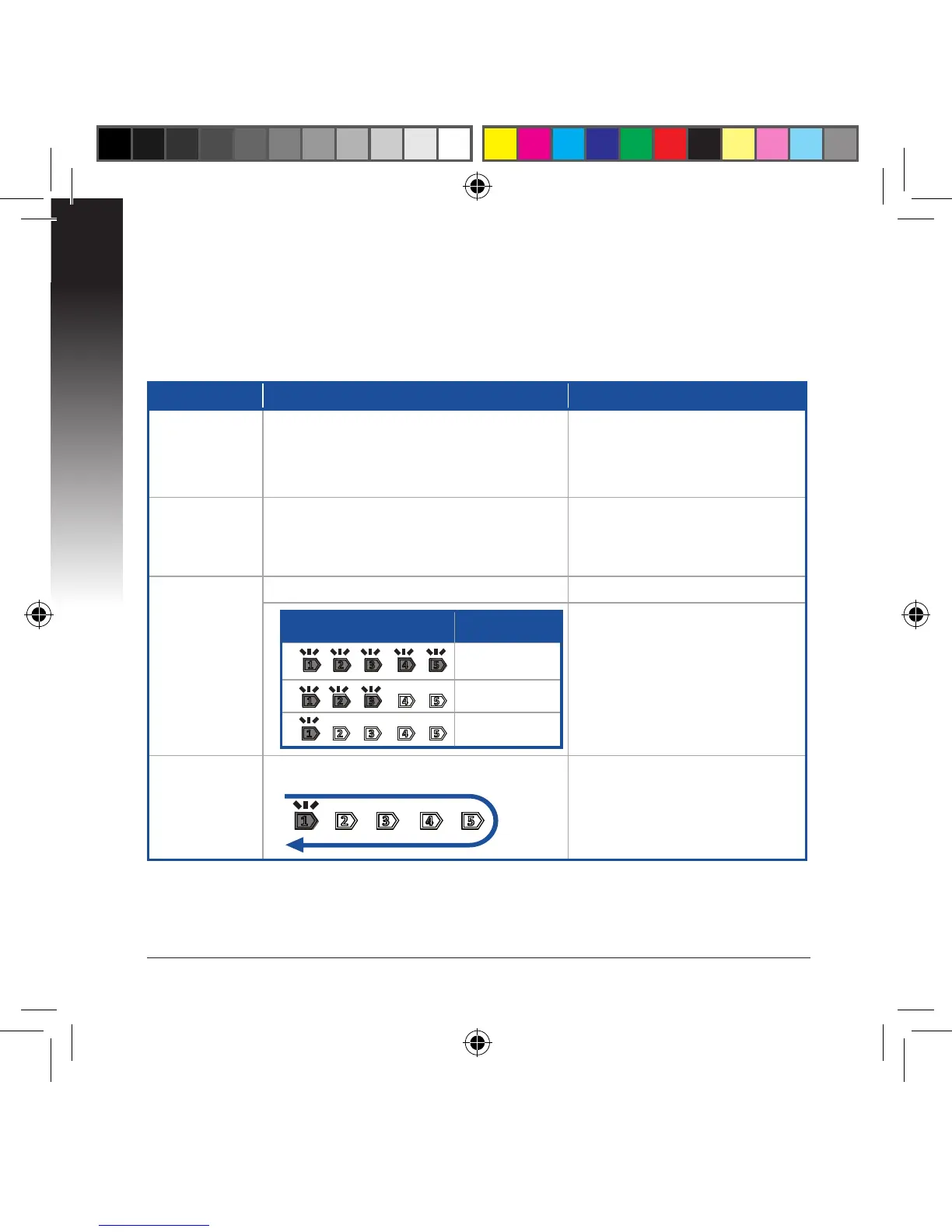
Media bridge mode AP mode
Power LED
Solid On: Power on
O: Power o
Blinking fast: Reset to default
Blinking slow: Rescue mode
Solid On: Power on
O: Power o
Blinking fast: Reset to default
Blinking slow: Rescue mode
LAN LED
Solid On: has physical connection to a
local area network (LAN)
Blinking frequency: according to data
transmission rate
Solid On: has physical connec-
tion to a local area network
(LAN)
Signal Indi-
cator
LED1 solid on: Wi-Fi on LED1~5 solid on: Wi-Fi on
LED action Signal
Excellent
Good
Weak
Wi-Fi site
survey / WPS
connection
Blinking sequentially back and forth:


 To Next Page