English
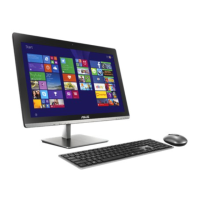
26 All-in-one PC ET2012 Series
Using the touch screen
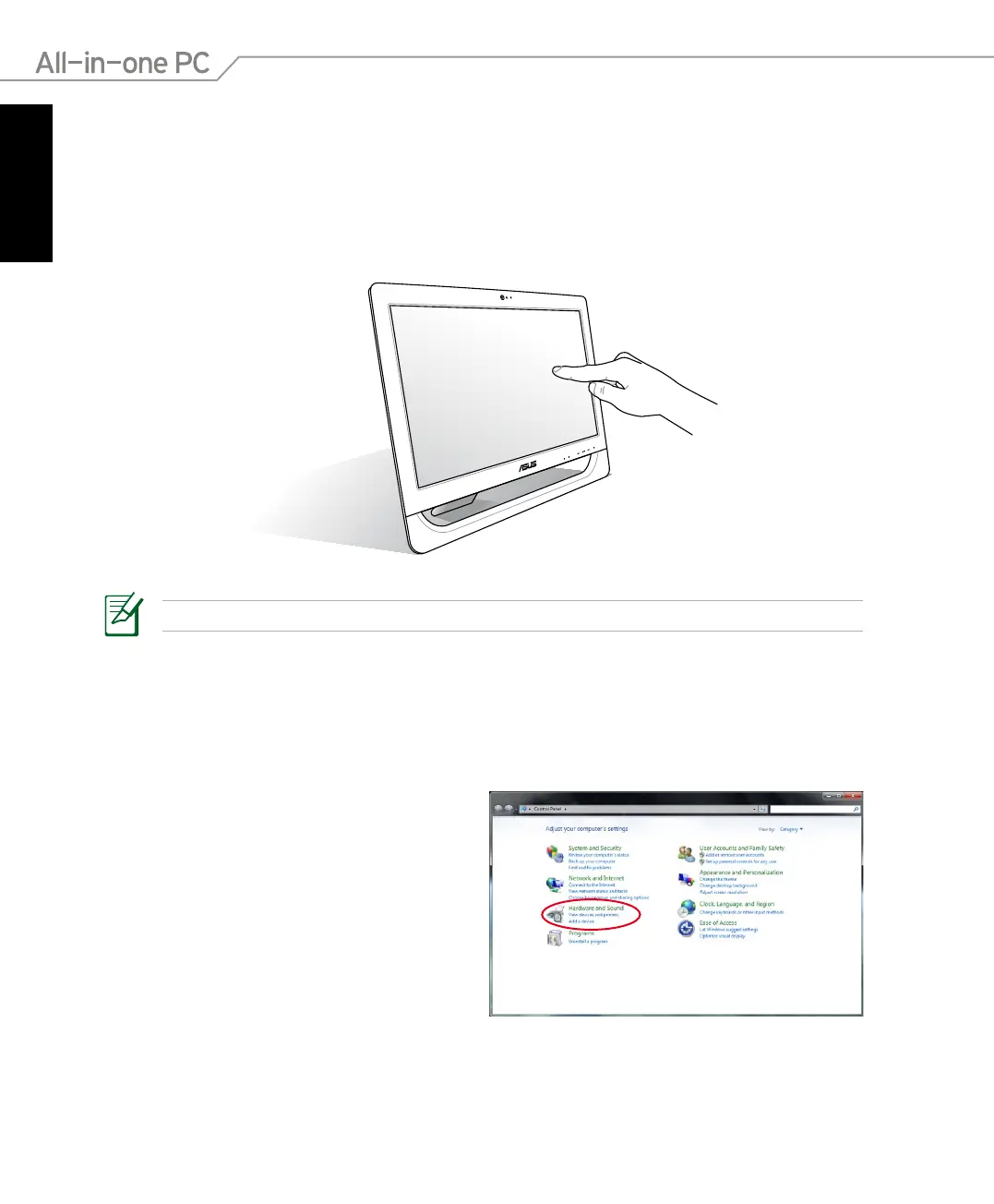
All-in-one PC brings digital life to your fingertips. With a few touches, you can make All-in-one
PC work at your command. Your touch functions like a mouse device:
• Touch = left-click on the mouse
• Touch and hold = right-click on the mouse
The touch-enabled screen is available on selected models.
Showing the touch pointer
The touch pointer, virtual mouse, helps you use the touch-enabled screen more conveniently.
To show the touch pointer
1. From the Windows® desktop, click Start
> Control Panel > View Devices and
Printer.



 To Next Page