English
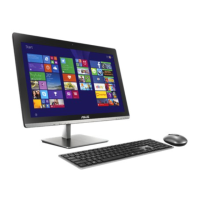
27All-in-one PC ET2012 Series
Cleaning the touch screen
The touch screen requires periodic cleaning to achieve the best touch sensitivity. Keep the
screen clean from foreign objects or excessive dust accumulation. To clean the screen:
• Turn off the system and disconnect the power cord from the wall.
• Spray a small amount of a household glass cleaner onto the supplied cleaning cloth and
gently wipe the screen surface and the screen frame.
• Do not spray the cleaner directly on the screen.
• Do not use an abrasive cleaner or a coarse cloth when cleaning the screen.
3. Click the Touch tab on the top and click
the box before Show the touch pointer
when I’m interacting with items
on the screen. Click OK to finish the
configuration.
4. You will see a virtual mouse on the screen
when you touch the screen.
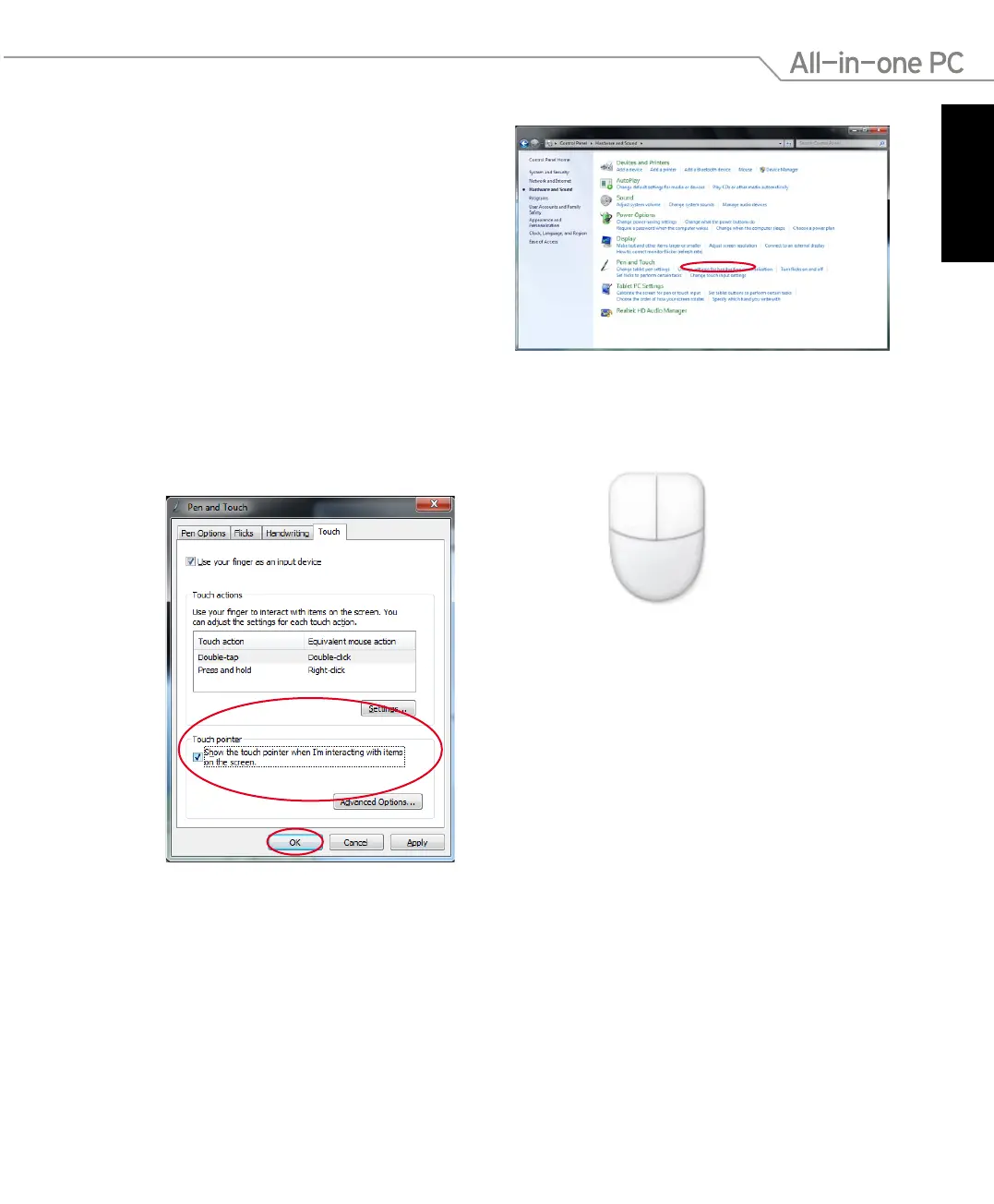
2. Click Change touch input settings.



 To Next Page