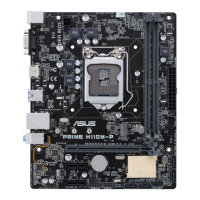
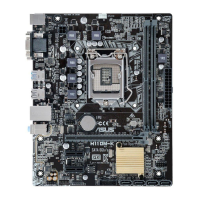
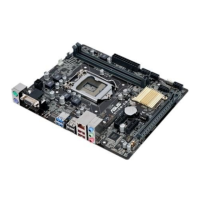
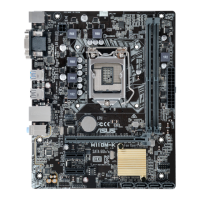
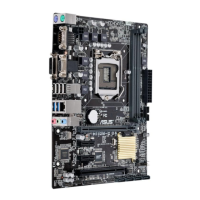
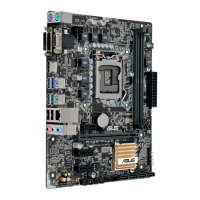
ASUS H110M-PLUS
1-3
Intel
®
H110 Serial ATA 6.0Gb/s connectors (7-pin SATA6G_1~4)
TheseconnectorsconnecttoSerialATA6.0Gb/sharddiskdrivesviaSerialATA
6.0Gb/ssignalcables.
Whenusinghot-plugandNCQ,settheSATA Mode SelectionitemintheBIOSto
[AHCI].
USB 3.0 connectors (20-1 pin USB3_12)
ConnectaUSB3.0moduletoanyoftheseconnectorsforadditionalUSB3.0front
orrearpanelports.TheseconnectorscomplywithUSB3.0specicationsand
providefasterdatatransferspeedsofupto5Gbps,fasterchargingtimeforUSB-
chargeabledevices,optimizedpowerefciency,andbackwardcompatibilitywith
USB2.0.
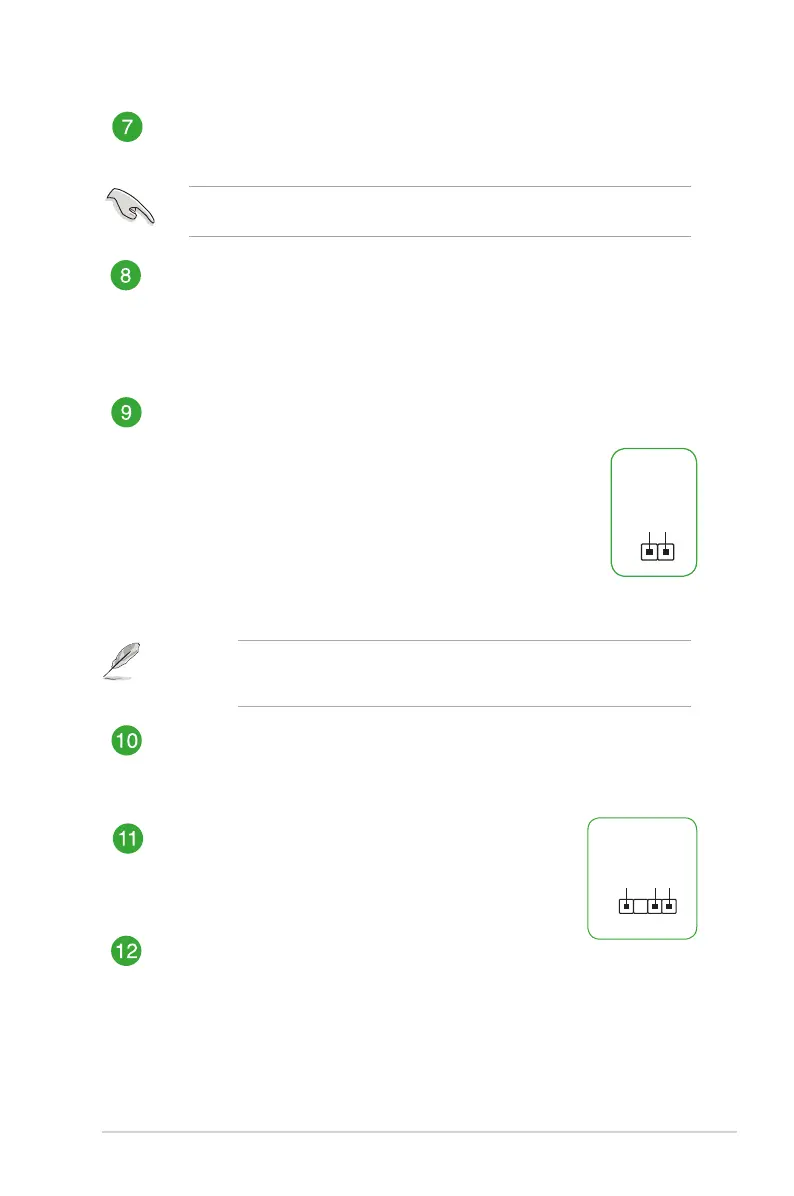
Clear RTC RAM (2-pin CLRTC)
ThisheaderallowsyoutocleartheCMOSRTCRAMdataofthesystemsetup
informationsuchasdate,time,andsystempasswords.
To erase the RTC RAM:
1. TurnOFFthecomputerandunplugthepowercord.
2. Useametalobjectsuchasascrewdrivertoshortthetwopins.
3. PlugthepowercordandturnONthecomputer.
4. Holddownthe<Del>keyduringthebootprocessandenterBIOSsetupto
re-enterdata.
Ifthestepsabovedonothelp,removetheonboardbatteryandshortthe
twopinsagaintocleartheCMOSRTCRAMdata.AfterclearingtheCMOS,
reinstallthebattery.
USB 2.0 connectors (10-1 pin USB1112, USB1314)
ConnecttheUSBmodulecabletoanyoftheseconnectors,theninstallthemodule
toaslotopeningatthebackofthesystemchassis.TheseUSBconnectorscomply
withUSB2.0specicationsandsupportsupto480Mbpsconnectionspeed.
Digital audio connector (4-1 pin SPDIF_OUT)
ConnecttheS/PDIFOutmodulecabletothisconnector,then
installthemoduletoaslotopeningatthebackofthesystem
chassis.
Front panel audio connector (10-1 pin AAFP)
Thisconnectorisforachassis-mountedfrontpanelaudioI/Omodulethatsupports
eitherHDAudioorlegacyAC`97audiostandard.Connectoneendofthefront
panelaudioI/Omodulecabletothisconnector.
CLRTC
+3V_BAT
GND
PIN 1
SPDIF_OUT
+5V
SPDIFOUT
GND
PIN 1


 To Next Page