BIOS information
2
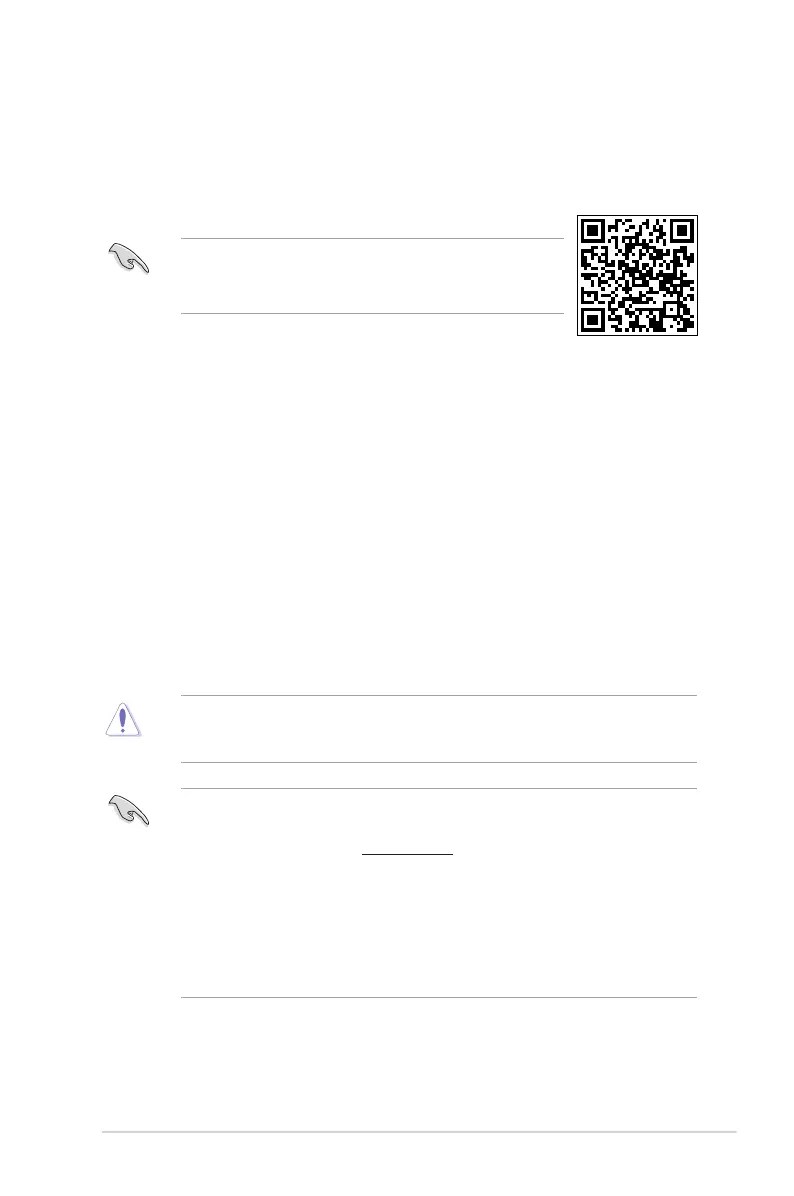
• ScantheQRcodetoviewtheBIOSupdateguide.
• BeforeusingtheASUSCrashFreeBIOS3utility,renamethe
BIOSleintheremovabledeviceintoH110MP.CAP.
BIOS setup program
UsetheBIOSSetupprogramtoupdatetheBIOSorcongureitsparameters.TheBIOS
screensincludenavigationkeysandbriefonlinehelptoguideyouinusingtheBIOSSetup
program.
Entering BIOS Setup at startup
To enter BIOS Setup at startup:
Press<Delete>or<F2>duringthePower-OnSelfTest(POST).Ifyoudonotpress<Delete>
or<F2>,POSTcontinueswithitsroutines.
Entering BIOS Setup after POST
To enter BIOS Setup after POST:
Press<Ctrl>+<Alt>+<Del>simultaneously.
Presstheresetbuttononthesystemchassis.
Pressthepowerbuttontoturnthesystemoffthenbackon.Dothisoptiononlyifyoufailedto
enterBIOSSetupusingthersttwooptions.
Usingthepowerbutton,resetbutton,orthe<Ctrl>+<Alt>+<Del>keystoforceresetfroma
runningoperatingsystemcancausedamagetoyourdataorsystem.Werecommendyou
alwaysshutdownthesystemproperlyfromtheoperatingsystem.
• TheBIOSsetupscreensshowninthissectionareforreferencepurposesonly,and
maynotexactlymatchwhatyouseeonyourscreen.
• VisittheASUSwebsiteatwww.asus.comtodownloadthelatestBIOSleforthis
motherboard.
• IfthesystembecomesunstableafterchanginganyBIOSsetting,loadthedefault
settingstoensuresystemcompatibilityandstability.SelecttheLoad Optimized
DefaultsitemundertheExitmenuorpresshotkeyF5.
• IfthesystemfailstobootafterchanginganyBIOSsetting,trytocleartheCMOSand
resetthemotherboardtothedefaultvalue.SeesectionMotherboard overviewfor
informationonhowtoerasetheRTCRAM.
BIOS menu screen
TheBIOSsetupprogramcanbeusedundertwomodes:EZ ModeandAdvanced Mode.
Press<F7>tochangebetweenthetwomodes.
ASUS H110M-PLUS 2-1


 To Next Page