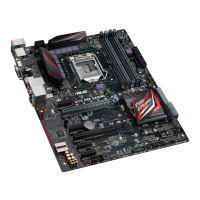
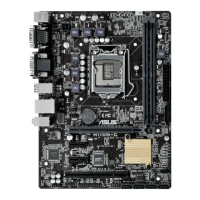
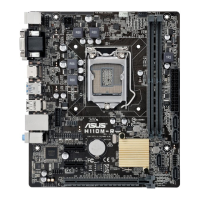
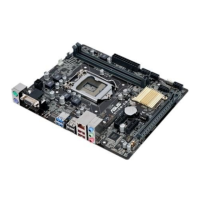
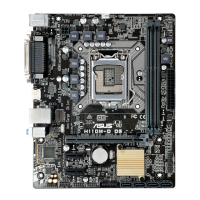
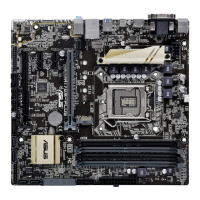
ASUS H170M-PLUS
1-13
1.7 Connectors
1.7.1 Rear panel connectors
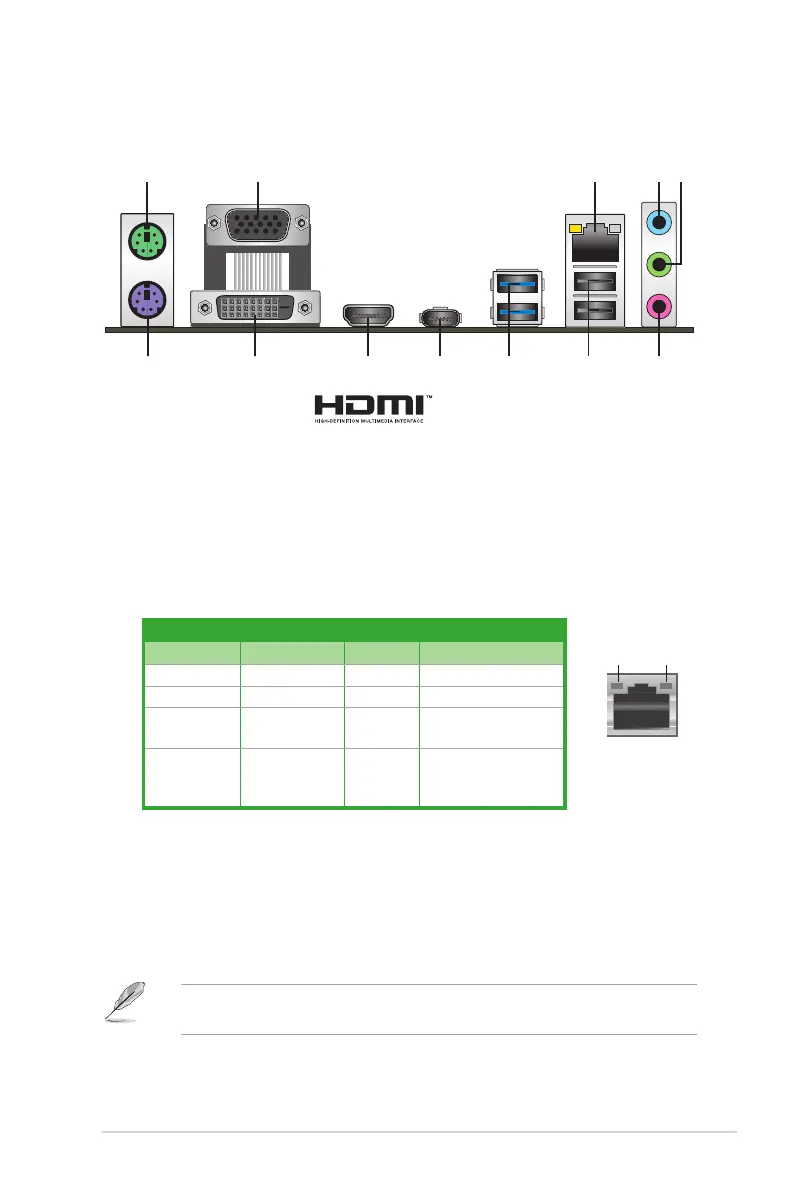
2 4 53
6
89 7
1
12
1011
4. Line In port (light blue).Thisportconnectstothetape,CD,DVDplayer,orother
audio sources.
5. Line Out port (lime).Thisportconnectstoaheadphoneoraspeaker.Inthe4.1,5.1
and7.1-channelcongurations,thefunctionofthisportbecomesFrontSpeakerOut.
6. Microphone port (pink). This port connects to a microphone.
Refertotheaudiocongurationtableforthefunctionoftheaudioportsin2.1,4.1,5.1,or
7.1-channelconguration.
1. PS/2 mouse port (green).ThisportisforaPS/2mouse.
2. Video Graphics Adapter (VGA) port.This15-pinportisforaVGAmonitororother
VGA-compatibledevices.
3. LAN (RJ-45) port.ThisportallowsGigabitconnectiontoaLocalAreaNetwork(LAN)
through a network hub.
LAN port LED indications
LAN port
Speed
LED
Activity Link
LED
Activity/Link LED Speed LED
Status Description Status Description
Off Nolink OFF 10Mbps connection
Orange Linked ORANGE 100Mbps connection
Orange
(Blinking)
Dataactivity GREEN 1Gbps connection
Orange
(Blinkingthen
steady)
Readyto
wake up from
S5mode
_ _


 To Next Page