1-6
Chapter 1: Product introduction
1.4 System memory
1.4.1 Overview
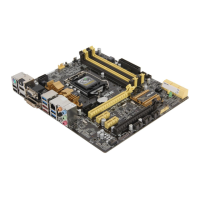
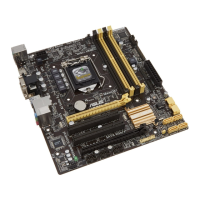
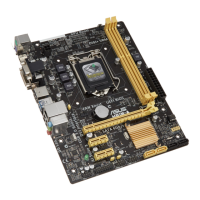
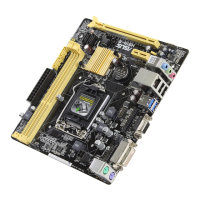
This motherboard comes with two Double Data Rate 3 (DDR3) Dual Inline Memory Module
(DIMM) sockets. A DDR3 module has the same physical dimensions as a DDR2 DIMM but
is notched differently to prevent installation on a DDR2 DIMM socket. DDR3 modules are
developed for better performance with less power consumption. The gure illustrates the
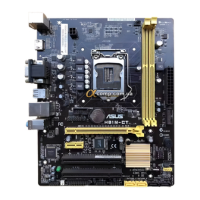
location of the DDR3 DIMM sockets:
Channel Sockets
Channel A DIMM_A1
Channel B DIMM_B1
1.4.2 Memory congurations
You may install 1GB, 2GB, 4GB, and 8GB unbuffered non-ECC DDR3 DIMMs into the DIMM
sockets.
A
B
B
A
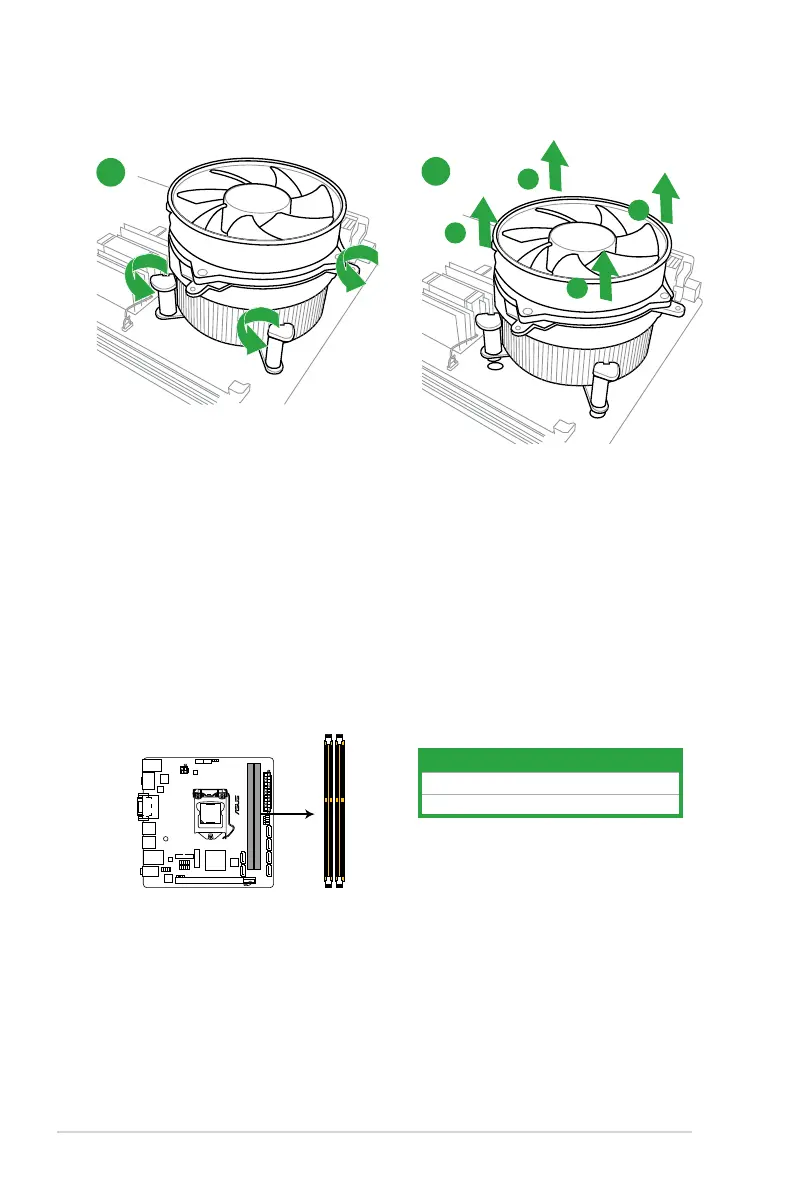
To uninstall the CPU heatsink and fan assembly
2
1


 To Next Page