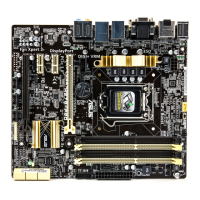
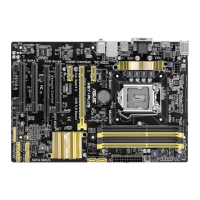
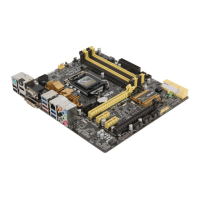
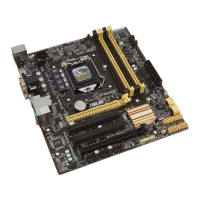
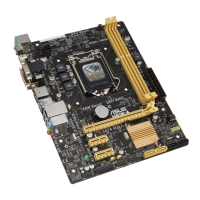
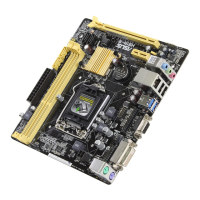
ASUS H87I-PLUS
2-31
2.6.7 Onboard Devices Conguration
HD Audio Controller [Enabled]
[Enabled] Enables the High Denition Audio Controller.
[Disabled] Disables the controller.
The following two items appear only when you set the HD Audio Controller item to
[Enabled].
Front Panel Type [HD]
Allows you to set the front panel audio connector (AAFP) mode to legacy AC’97 or
high-denition audio depending on the audio standard that the front panel audio
module supports.
[HD] Sets the front panel audio connector (AAFP) mode to high denition
audio.
[AC97] Sets the front panel audio connector (AAFP) mode to legacy AC’97
SPDIF Out Type [SPDIF]
[SPDIF] Sets to an SPDIF audio output.
[HDMI] Sets to an HDMI audio output.
Intel LAN Controller [Enabled]
[Enabled] Enables the Intel
®
LAN controller.
[Disabled] Disables the Intel
®
LAN controller.
Intel PXE OPROM [Disabled]
This item appears only when you set the previous item to [Enabled] and allows you to enable
or disable the PXE OptionRom of the Intel LAN controller. Conguration options: [Enabled]
[Disabled]
2.6.8 APM
Deep S4 [Disabled]
When enabled, the system in S4 state will further reduce power usage and will power off the
USB and PS/2 devices. The system in deep S4 state can be woken up via the power button,
devices in LAN, or other ways except via the USB and PS/2 devices. Conguration options:
[Disabled] [Enabled]
Restore AC Power Loss [Power Off]
[Power On] The system goes into ON state after an AC power loss.
[Power Off] The system goes into OFF state after an AC power loss.
[Last State] The system goes into either OFF or ON state, whatever the system state
was before the AC power loss.
Power On By PS/2 Keyboard [Disabled]
[Disabled] Disables the Power On by a PS/2 keyboard.
[Space Bar] Sets the Space Bar on the PS/2 keyboard to turn on the system.


 To Next Page