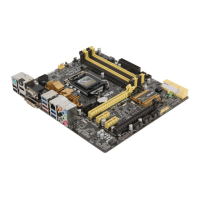
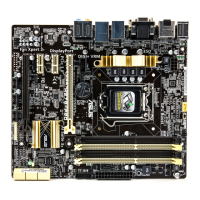
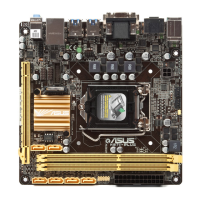
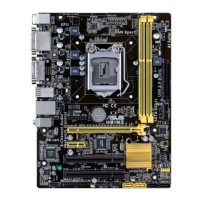
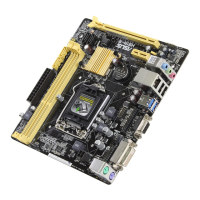
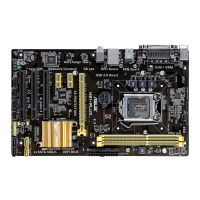
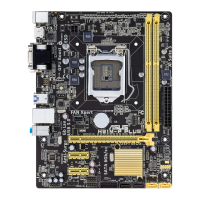
ASUS H87M-PLUS
2-11
Chapter 2
2.2 Motherboard rear and audio connections
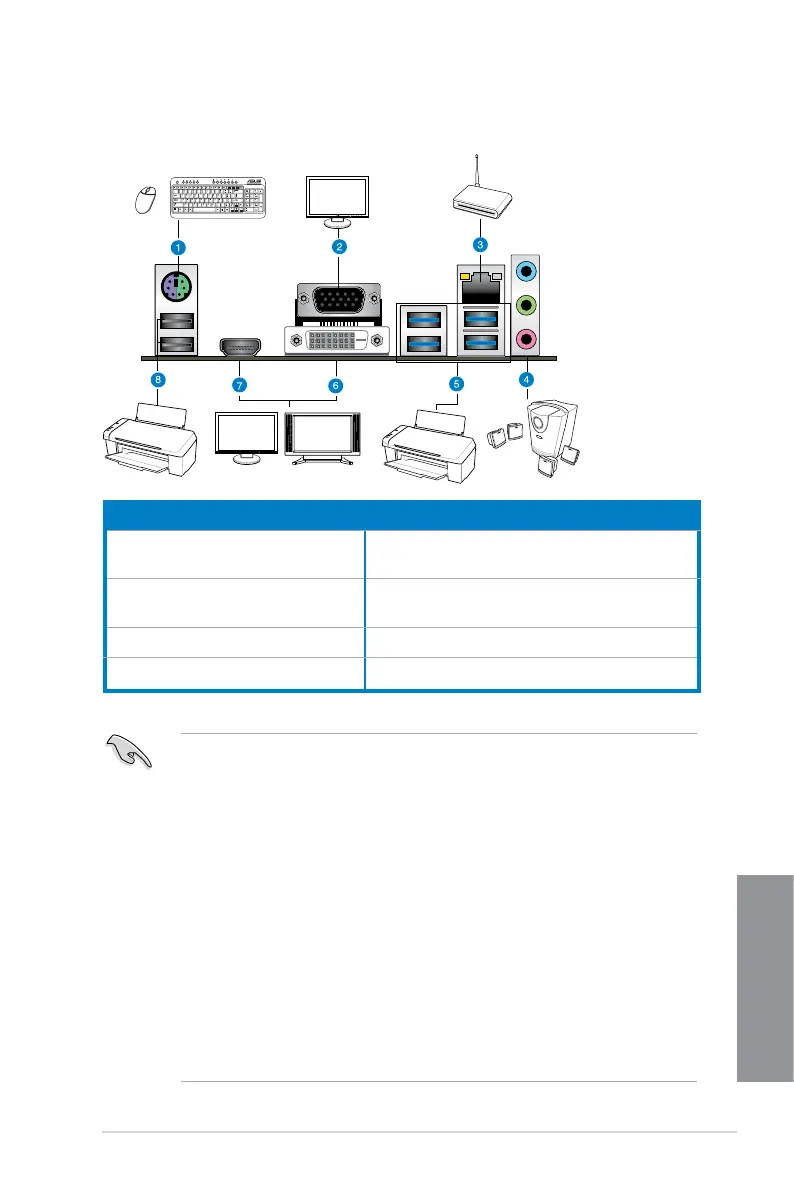
2.2.1 Rear I/O connection
* and **: Refer to the tables on the next page for LAN port LEDs, and audio port denitions.
Rear panel connectors
1. PS/2 keyboard / mouse combo
port
5. Intel USB 3.0 ports 3-6, support ASUS
USB 3.0 Boost
2. Video Graphics Adapter (VGA)
port
6. DVI port
3. Realtek
®
LAN (RJ-45) port* 7. HDMI port
4. Audio I/O ports** 8. USB 2.0 ports 7 and 8
• Due to USB 3.0 controller limitation, USB 3.0 devices can only be used under
Windows
®
OS environment and after the USB 3.0 driver installation.
• USB 3.0 devices can only be used as data storage only.
• We strongly recommend that you connect USB 3.0 devices to USB 3.0 ports for faster
and better performance for your USB 3.0 devices.
• Due to the design of the Intel
®
8 series chipset, all USB devices connected to the
USB 2.0 and USB 3.0 ports are controlled by the xHCI controller. Some legacy USB
devices must update their rmware for better compatibility.
• Multi-VGA output supports up to three displays under a Windows
®
OS environment,
two displays under BIOS, and one display under DOS.
• Intel
®
display architecture design supports the following maximum supported pixel
clocks (Pixel Clock = H total x V total x Frame Rate (Screen refresh rate):
- DVI port: 165 MHz
- VGA port: 180 MHz
- HDMI port: 300 MHz


 To Next Page