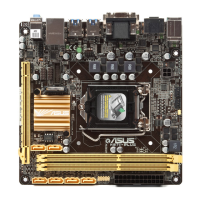
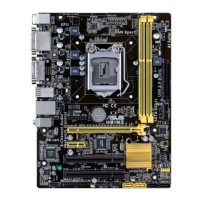
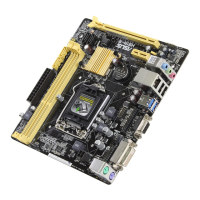
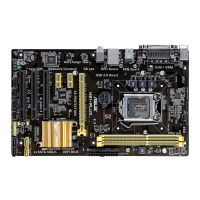
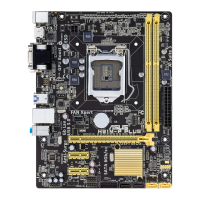
ASUS H87M-PLUS
3-27
Chapter 3
IDE Legacy / Native Mode Selection [Native]
This item appears only when you set the SATA Mode Selection item to [IDE]. Conguration
options: [Native] [Legacy]
S.M.A.R.T. Status Check [Enabled]
S.M.A.R.T. (Self-Monitoring, Analysis and Reporting Technology) is a monitor system. When
read/write of your hard disk errors occur, this feature allows the hard disk to report warning
messages during the POST. Conguration options: [Enabled] [Disabled]
Hot Plug [Disabled]
This item appears only when you set the SATA Mode Selection item to [AHCI] or [RAID],
and allow you to enable/disable SATA Hot Plug Support. Conguration options: [Disabled]
[Enabled]
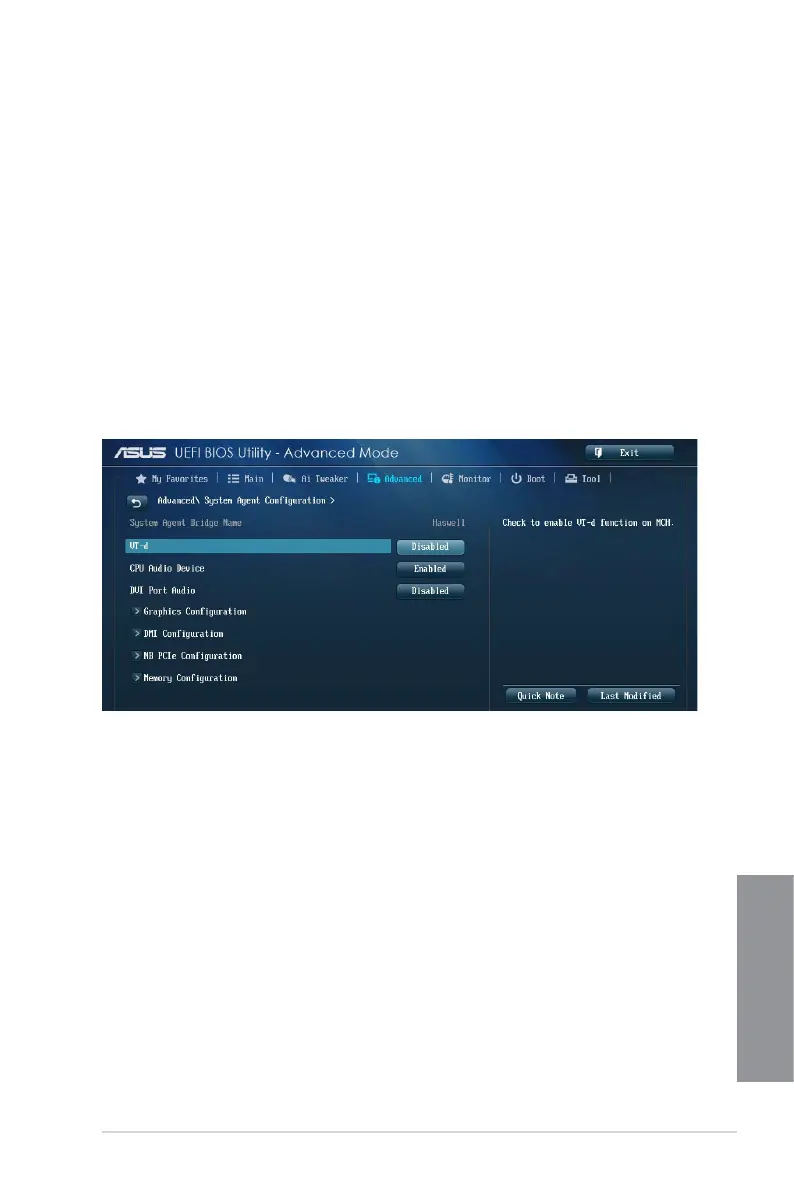
3.6.4 System Agent Conguration
VT-d [Disabled]
Allows you to enable virtualization technology function on memory control hub.
[Enabled] Enables the function.
[Disabled] Disables this function.
CPU Audio Devices [Enabled]
Allows you to enable or disable CPU SA Audio devices. Conguration options: [Enabled]
[Disabled]
DVI Port Audio [Disabled]
Allows you to enable or disable the DVI port. Conguration options: [Enabled] [Disabled]
Graphics Conguration
Allows you to select a primary display from iGPU, and PCIe graphical devices.
Primary Display [Auto]
Allows you to select which of the iGPU/PCIE Graphics device for Primary Display.
Conguration options: [Auto] [iGPU] [PCIE] [PCI]


 To Next Page