ASUS K7M-RM User’s Manual 55
4. BIOS SETUP
4. BIOS SETUP
Advanced Menu
4.4 Advanced Menu
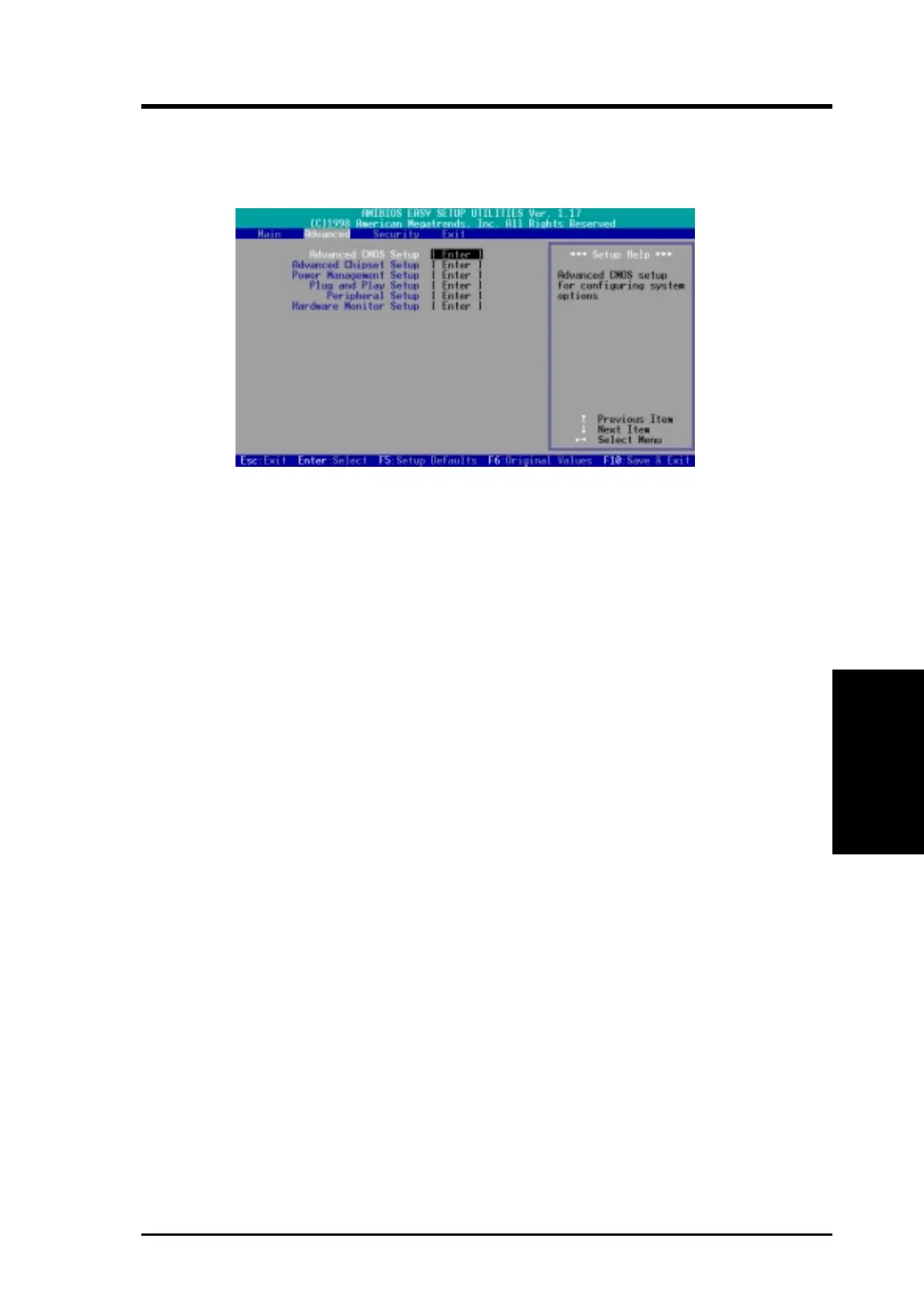
When the Advanced menu is selected, the following screen appears:
Six sub-menus are listed in this window: Advanced CMOS Setup, Advanced
Chipset Setup, Power Management Setup, Plug and Play Setup, Peripheral
Setup, and Hardware Monitor Setup. Use the ↑ or ↓ keypad arrow to select the
Setup menu you want to configure and then press <Enter>.



 To Next Page