ASUS K7M-RM User’s Manual 87
6. SOFTWARE REFERENCE
6.1.3 ASUS PC Probe Task Bar Icon
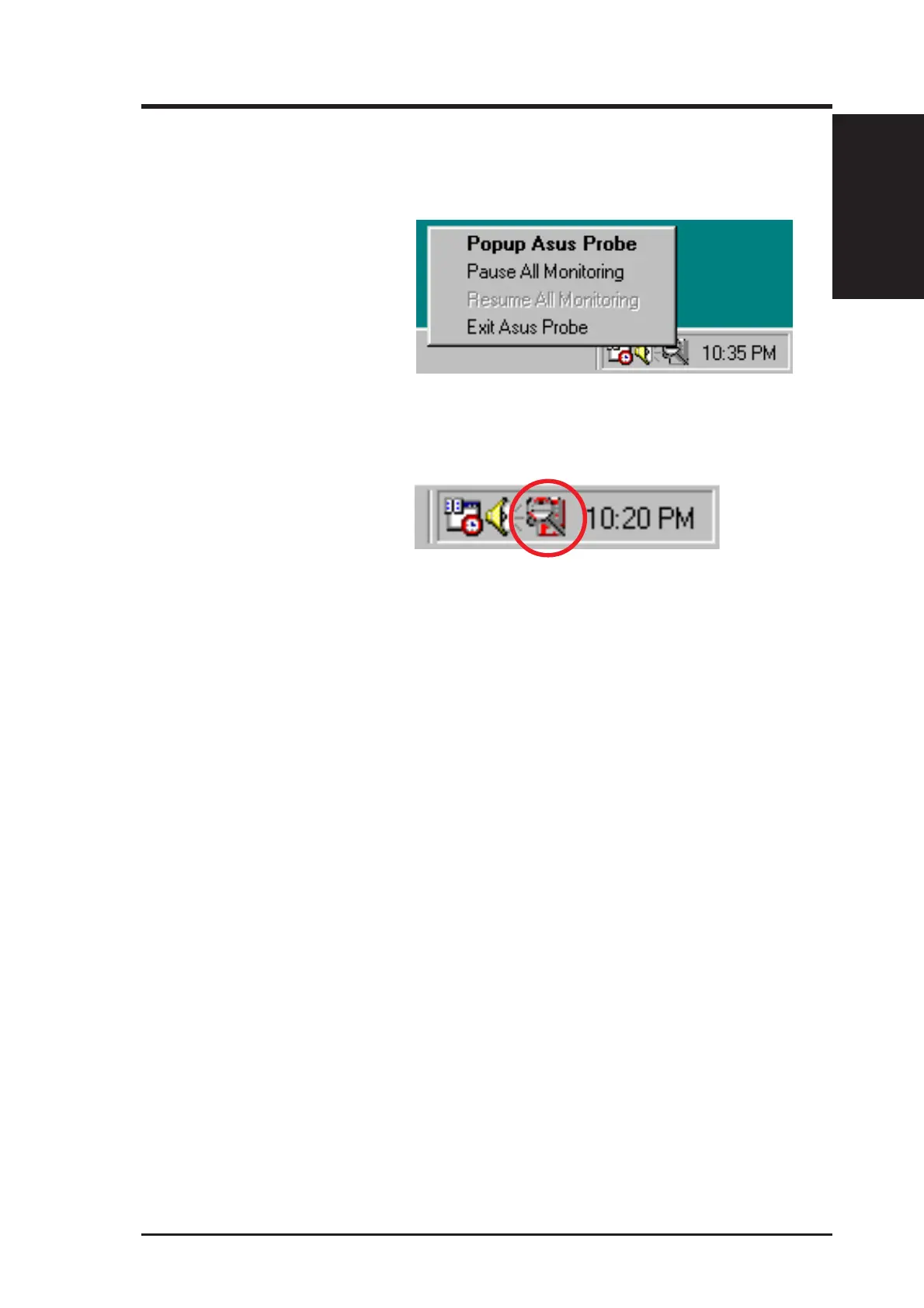
Right clicking the PC Probe
icon will bring up a menu to
open or exit ASUS PC Probe
and pause or resume all sys-
tem monitoring.
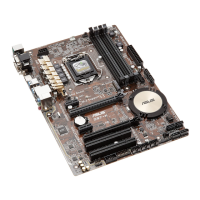
When the ASUS PC Probe
senses a problem with your
PC, portions of the ASUS PC
Probe icon changes to red, the
PC speaker beeps, and the
ASUS PC Probe monitor is dis-
played.
6. S/W REFERENCE
ASUS PC Probe



 To Next Page