56
Notebook PC User Manual
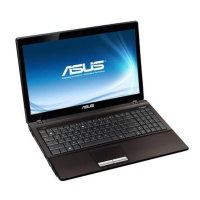
Three-finger sliding - Slide three fingertips up on th touchpad to
show all applications. Slide down to show desktop. Slide left/right to
swipe pages. Swipe from left to the right to view the next page or
right to the left to return to the previous pages.
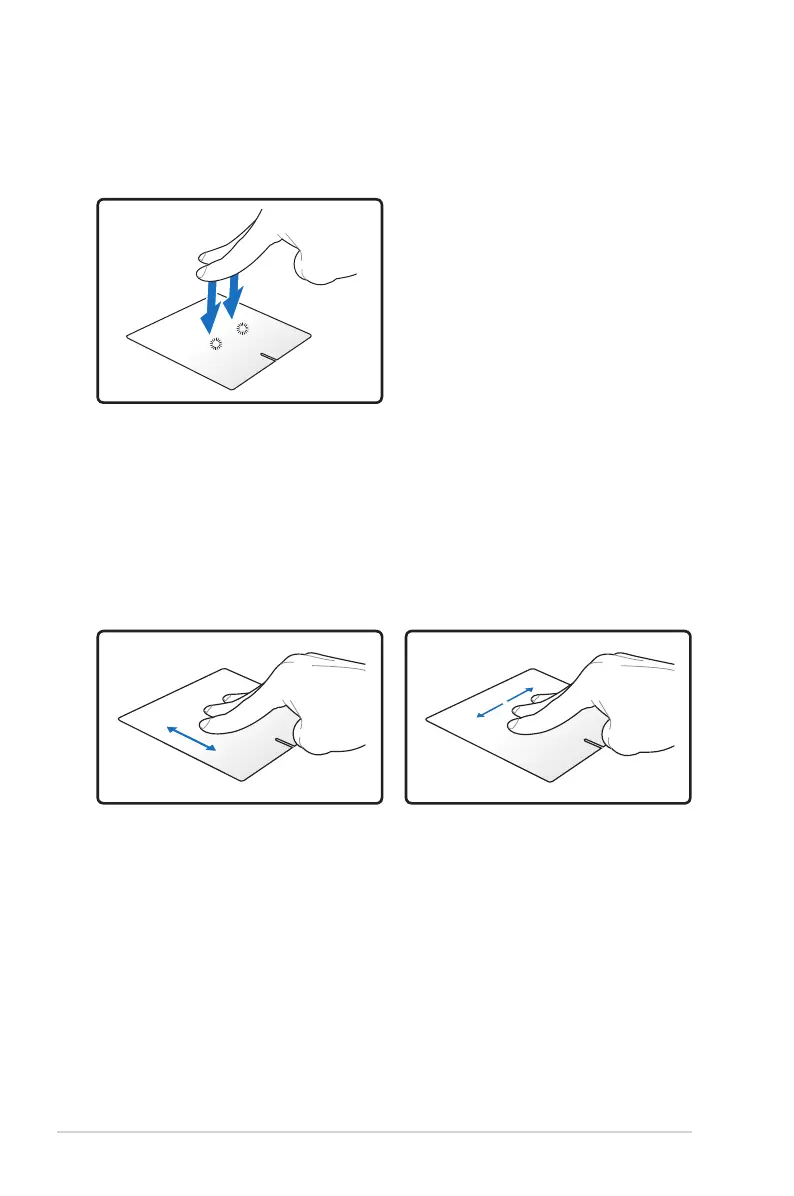
Two-finger tapping - Use two fingers to tap the touchpad. This
action mimics the right-click function of a mouse.


 To Next Page