37
Chapter 2: There’s no place like Home
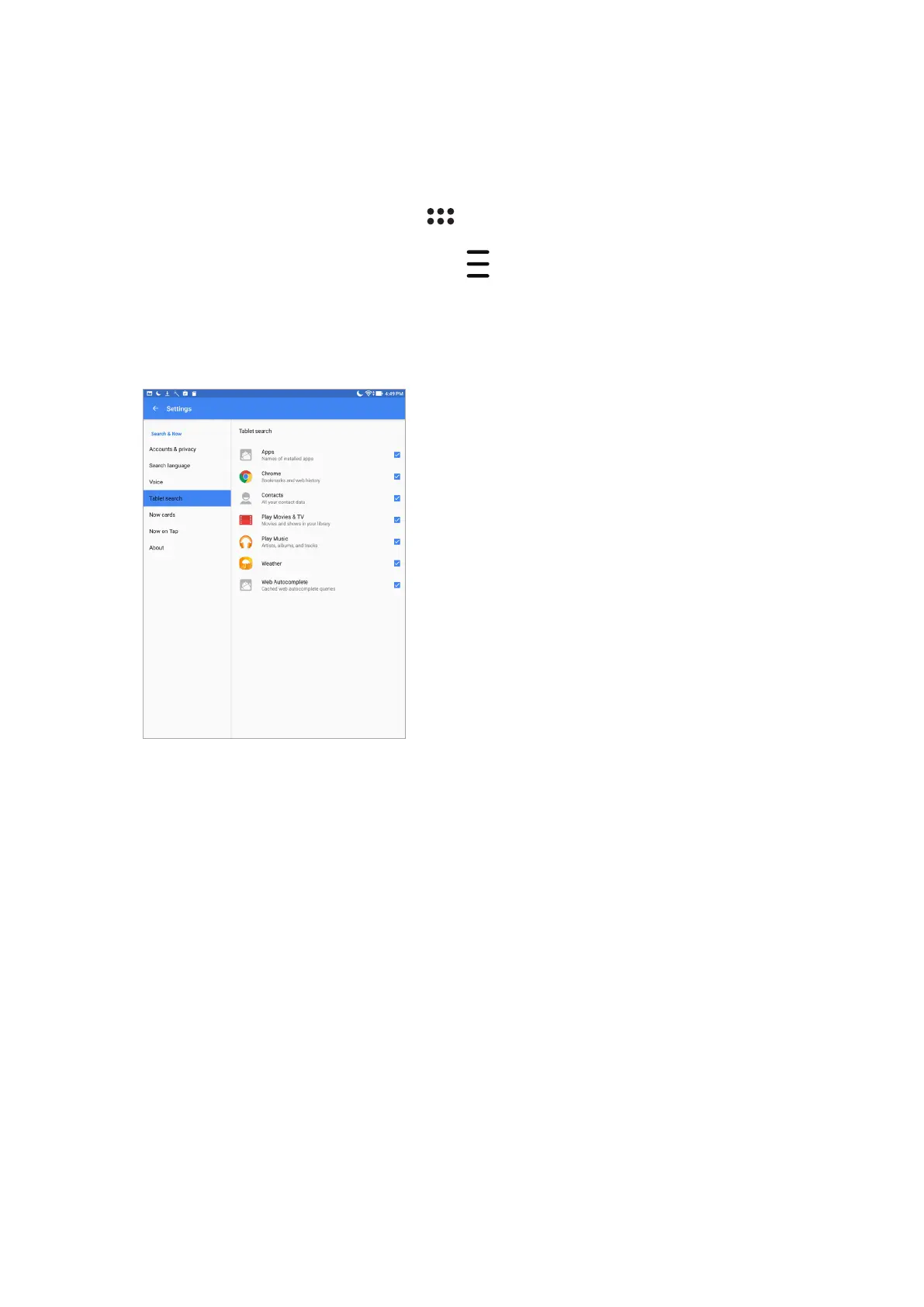
Customizing voice search results from the Tablet search group
If you want to set parameters for the voice search results gathered from your Google account and
your ASUS Tablet’s data, you may do so using the following steps:
1. On your ASUS Tablet’s Home screen, tap > Voice Search.
2. Once your voice search results are shown, tap > Settings.
3. Tap Tablet search and tick the box of the search groups you would like to include as source
when using Voice Search.



 To Next Page