Chapter 5: Work hard, play harder
71
SuperNote
Turn note-taking into a fun and creative activity using SuperNote. This intuitive app allows you
to create notes organized per notebook by directly writing or drawing on the touchscreen. While
creating notes, you can also add multimedia les from other apps and share them via social
networks or your cloud storage account.
Creating a notebook
To create new les using SuperNote, refer to the following steps:
1. Tap ASUS > SuperNote, then tap .
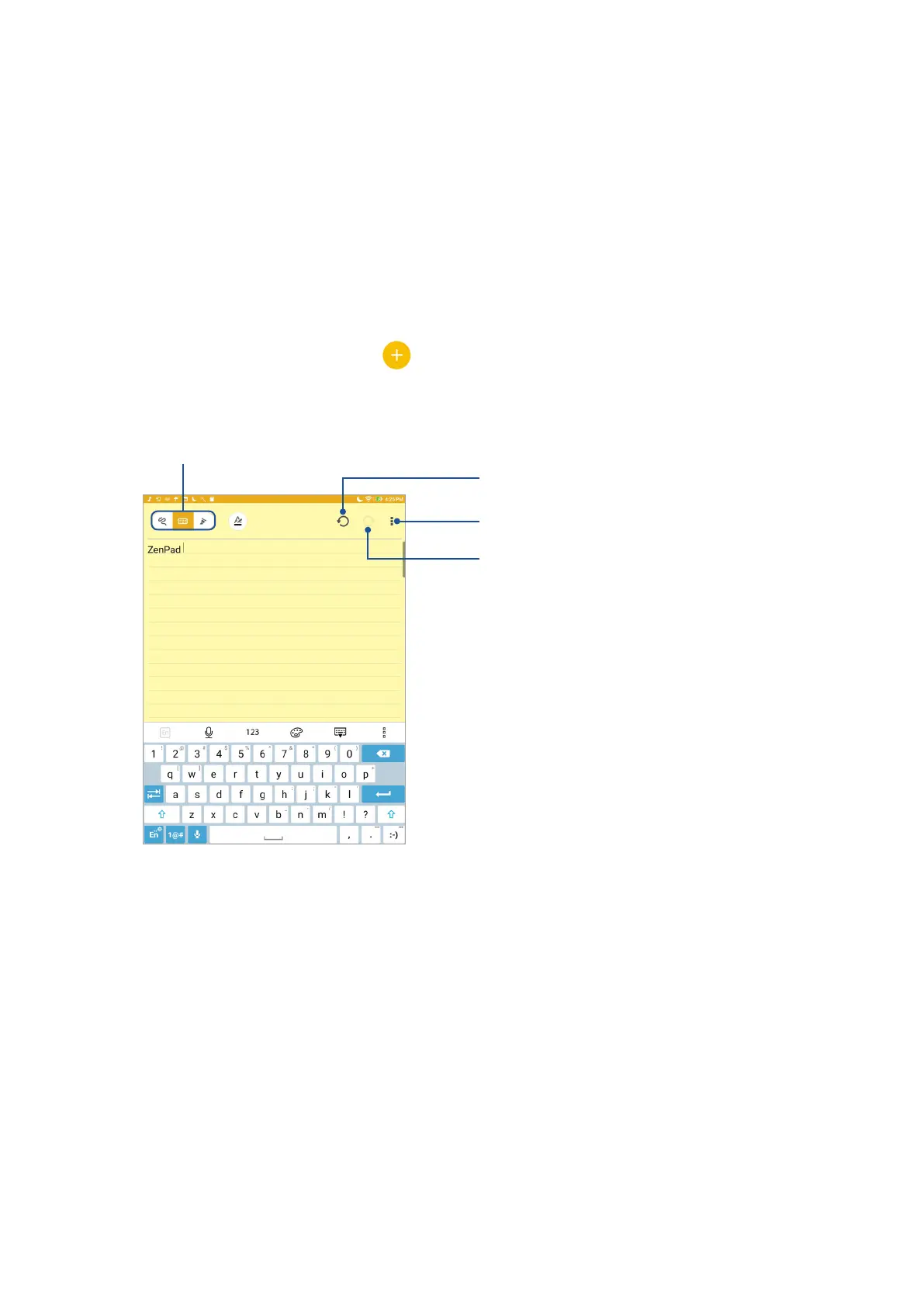
2. Select a template and start writing your notes.
Tap to select the input mode
Tap to congure the settings for the notebook
Tap to redo the change made
Tap to undo the change made



 To Next Page